 Skip to content
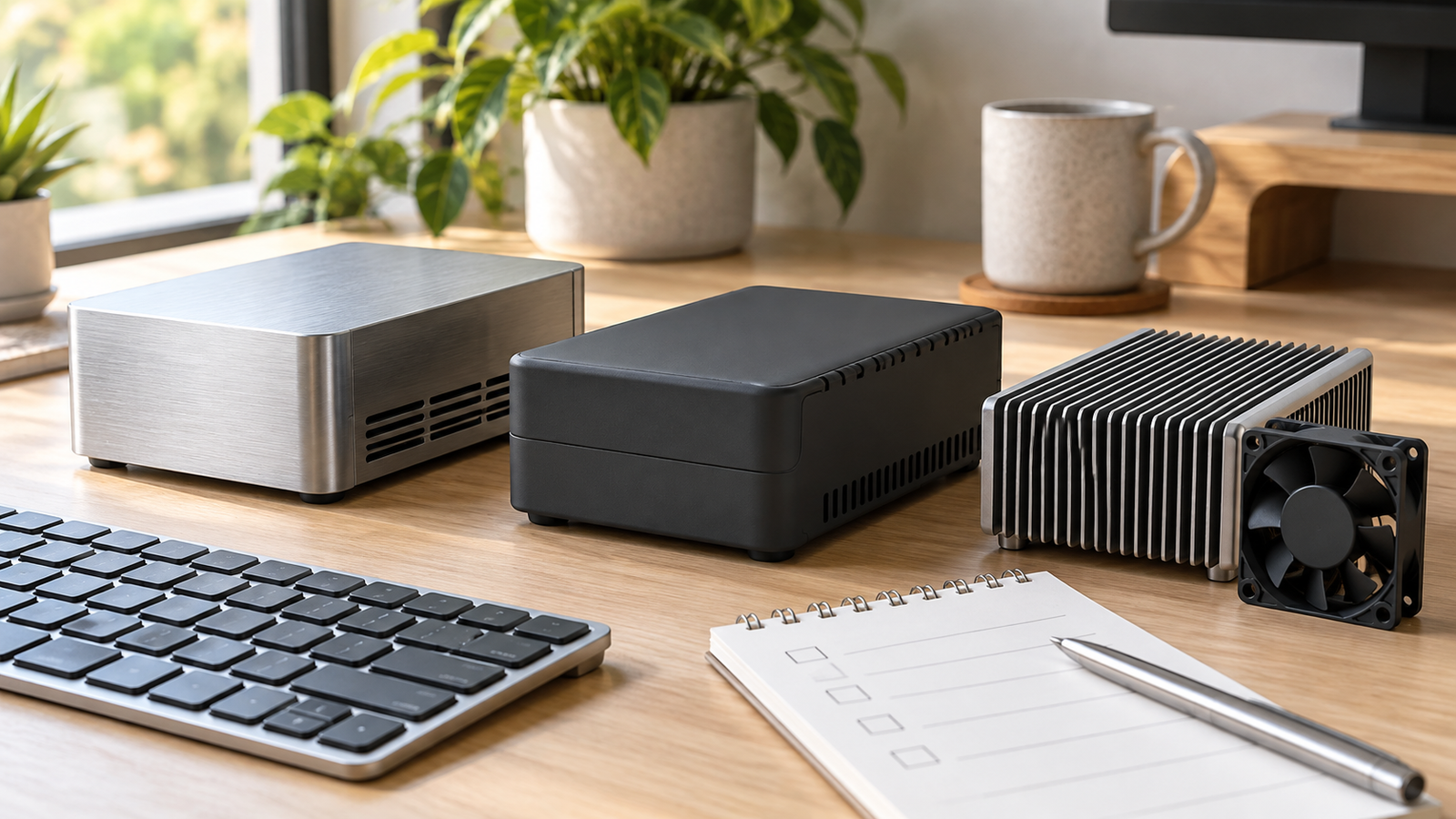
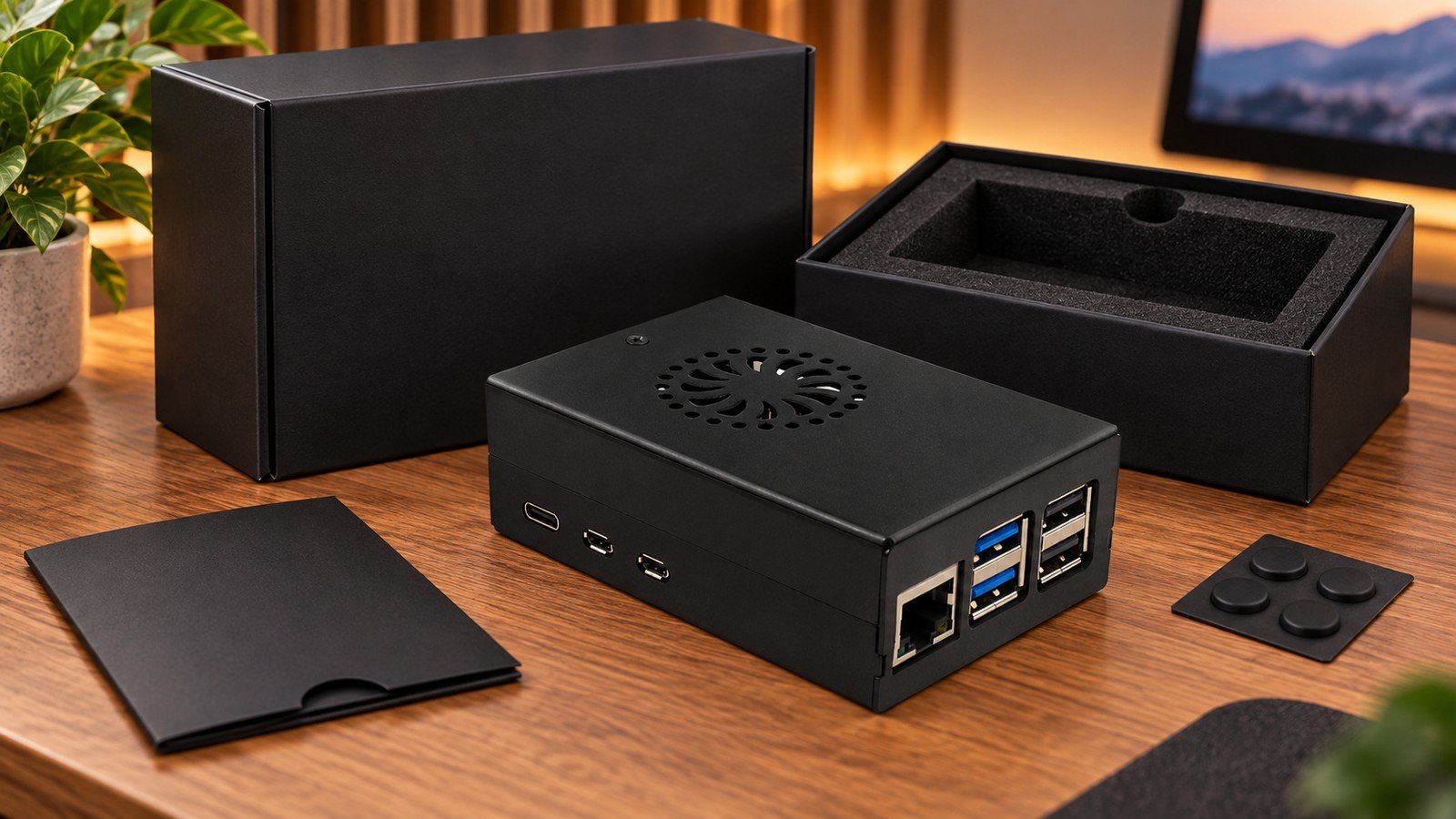
A Raspberry Pi 5 desktop case should not be chosen as a cosmetic afterthought. A quiet browser, terminal, or light development machine may value a clean footprint and easy access; a sustained build, media, or compute workload changes the cooling question quickly. For a Raspberry Pi 5 case for desktop use, I start with workload, expansion and service access—not with the finish.
Metal, plastic and fan-cooled designs can all be sensible. The useful question is whether the enclosure leaves the right room for heat management, power, cables and the accessories that will remain attached after the desk is tidy.
Start with the desktop workload, not the case material
For a Pi that spends most of its time in light desktop tasks, the enclosure still needs to protect the board while keeping ports and the power button practical. For longer CPU-heavy sessions, the cooling path becomes a primary selection criterion. Raspberry Pi says Pi 5 performs best with active cooling, but that statement is not a reason to assume every fan case behaves the same way.
My practical rule is simple: if the buyer cannot describe the heaviest normal workload and whether the device will sit in open air or a crowded shelf, the case decision is still premature.
What a desktop case must preserve
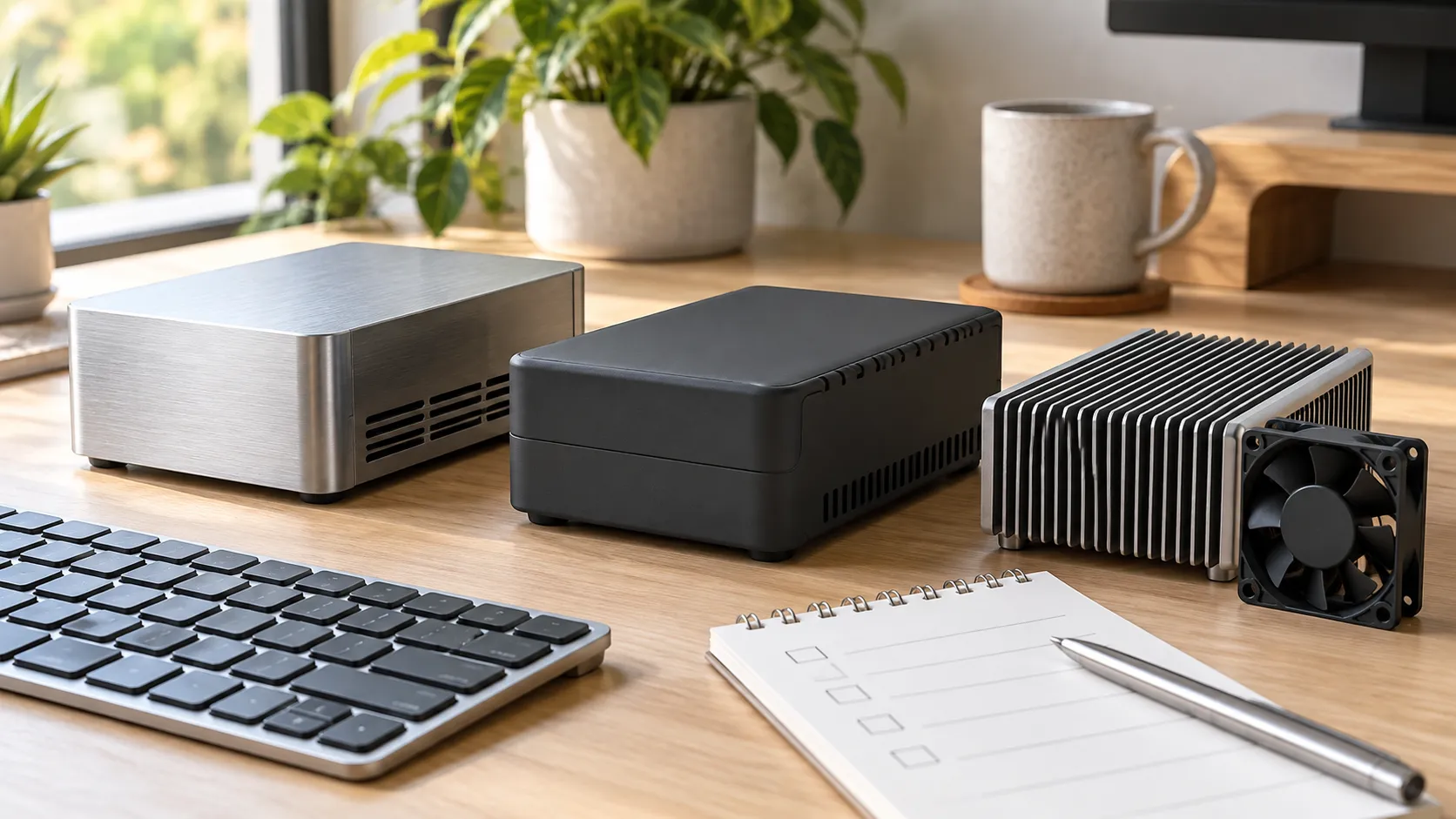
A desktop enclosure is an interface between the Pi and its daily use. It should allow the expected display, network, USB and power connections without forcing awkward cable bends, and it should not turn routine access into a disassembly task. Raspberry Pi 5 has a USB-C power input, dual micro-HDMI, USB ports, Gigabit Ethernet and a 40-pin header; a case must be reviewed against the actual peripherals, not only the board outline.
I would also check the power plan early. Raspberry Pi recommends a high-quality 5 V/5 A USB-C supply for Pi 5; a case choice does not correct an under-powered desktop setup.
When a metal case is the better desktop choice
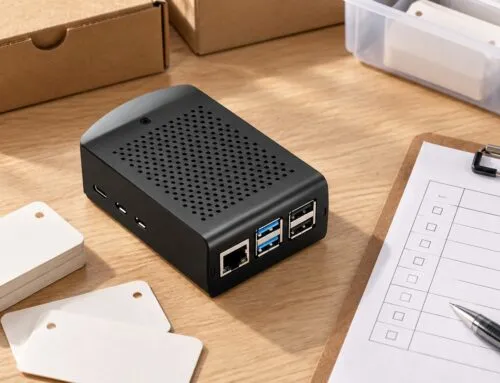
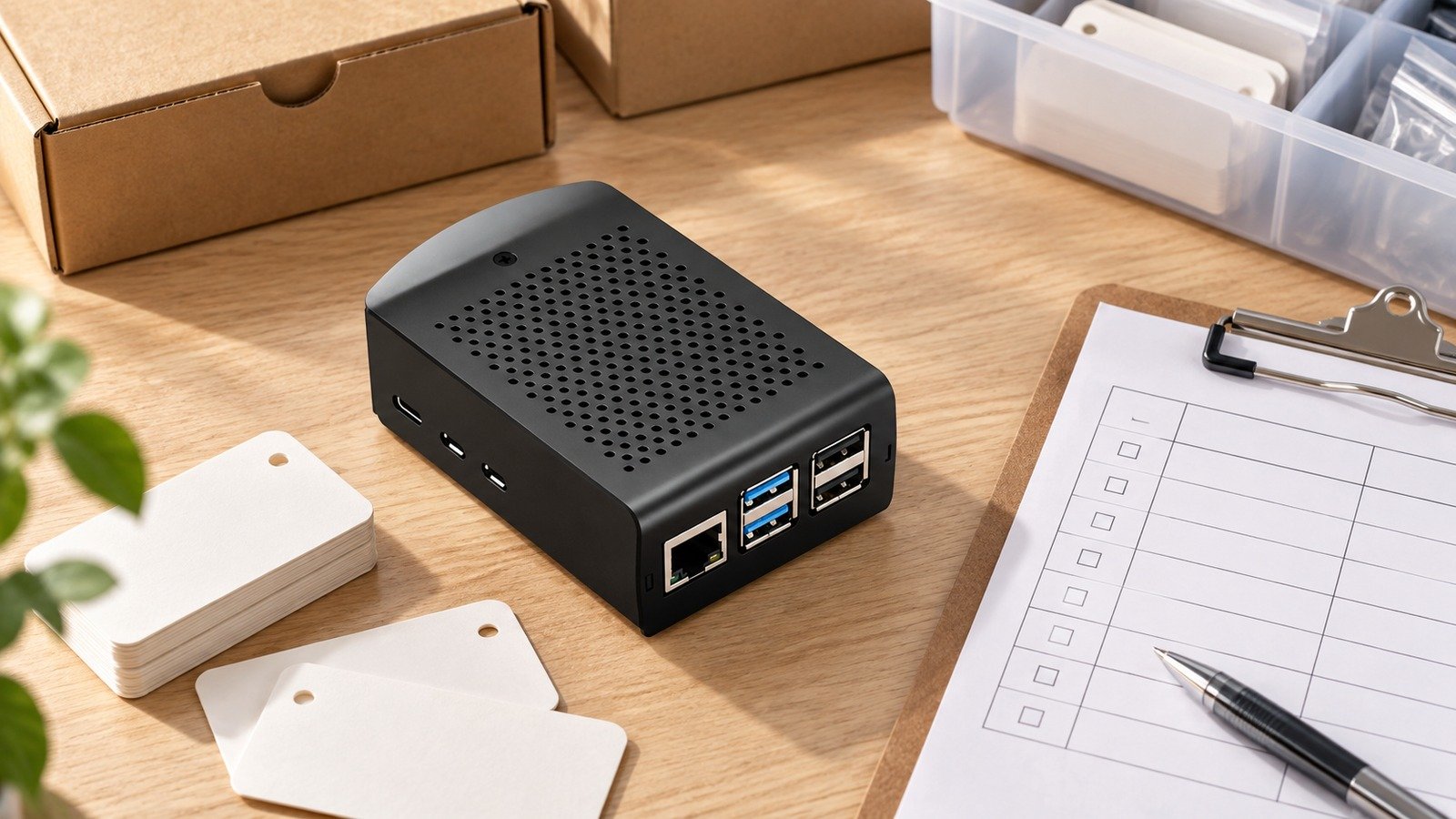
A metal enclosure can make sense when the buyer wants a more substantial desktop object and a design that uses its body or dedicated heatsink surfaces as part of the thermal strategy. The important distinction is not that metal is automatically cooler: the contact path from the processor, thermal interface, enclosure geometry and airflow still determine the result.
That is why I would ask for the exact case construction before recommending an aluminum option for a sustained workload. For a product path, start with the aluminum Pi 5 case option and confirm the intended board, accessories and cooling arrangement rather than inferring them from material alone.
When a plastic case is the more practical desktop choice
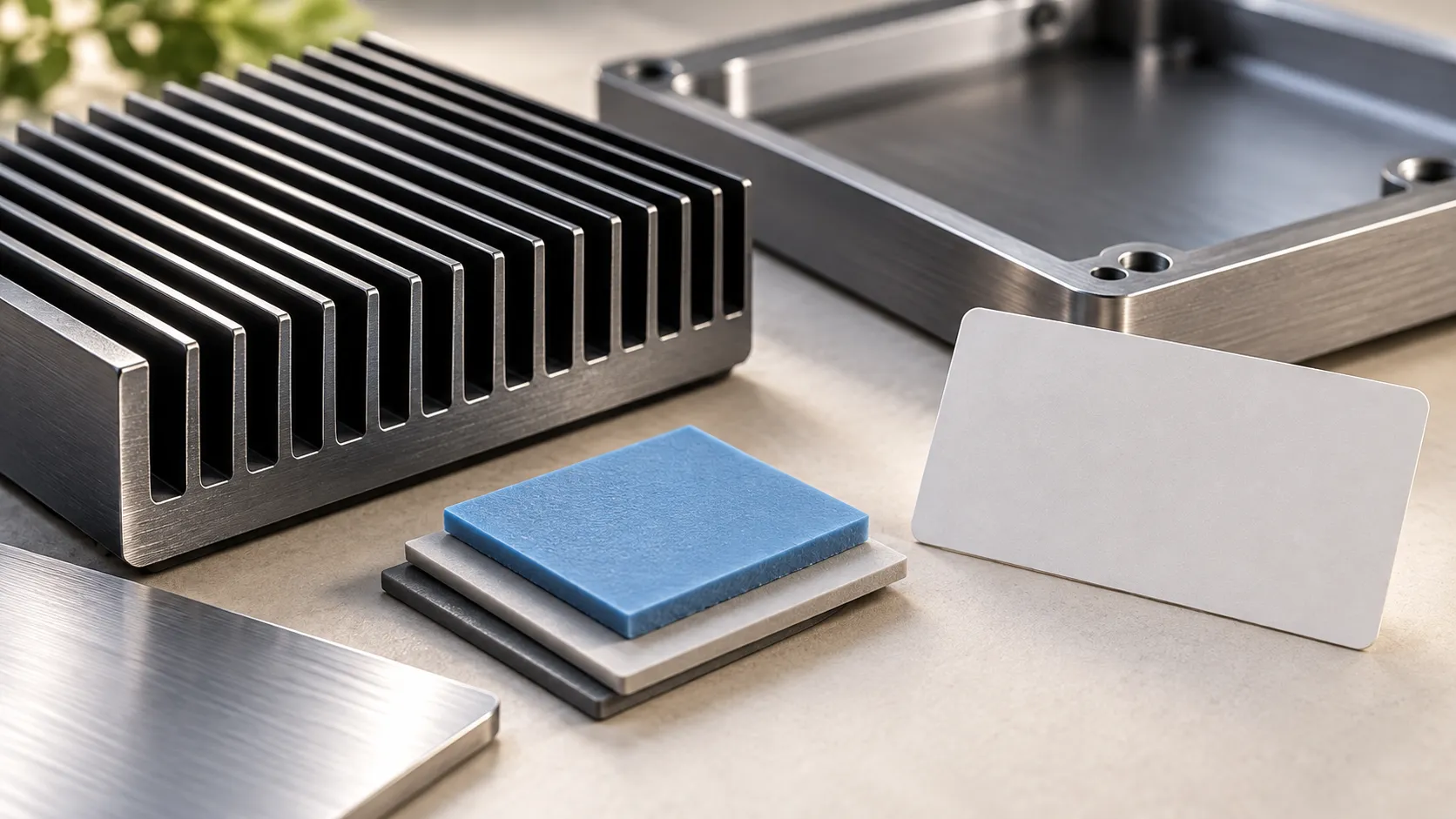
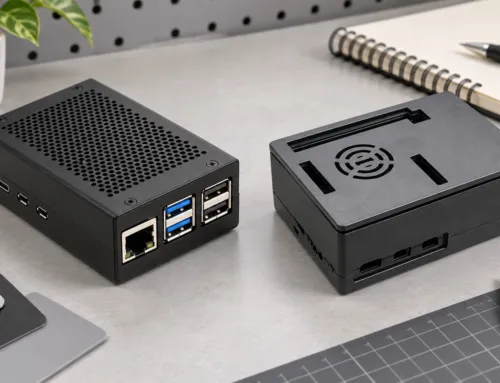
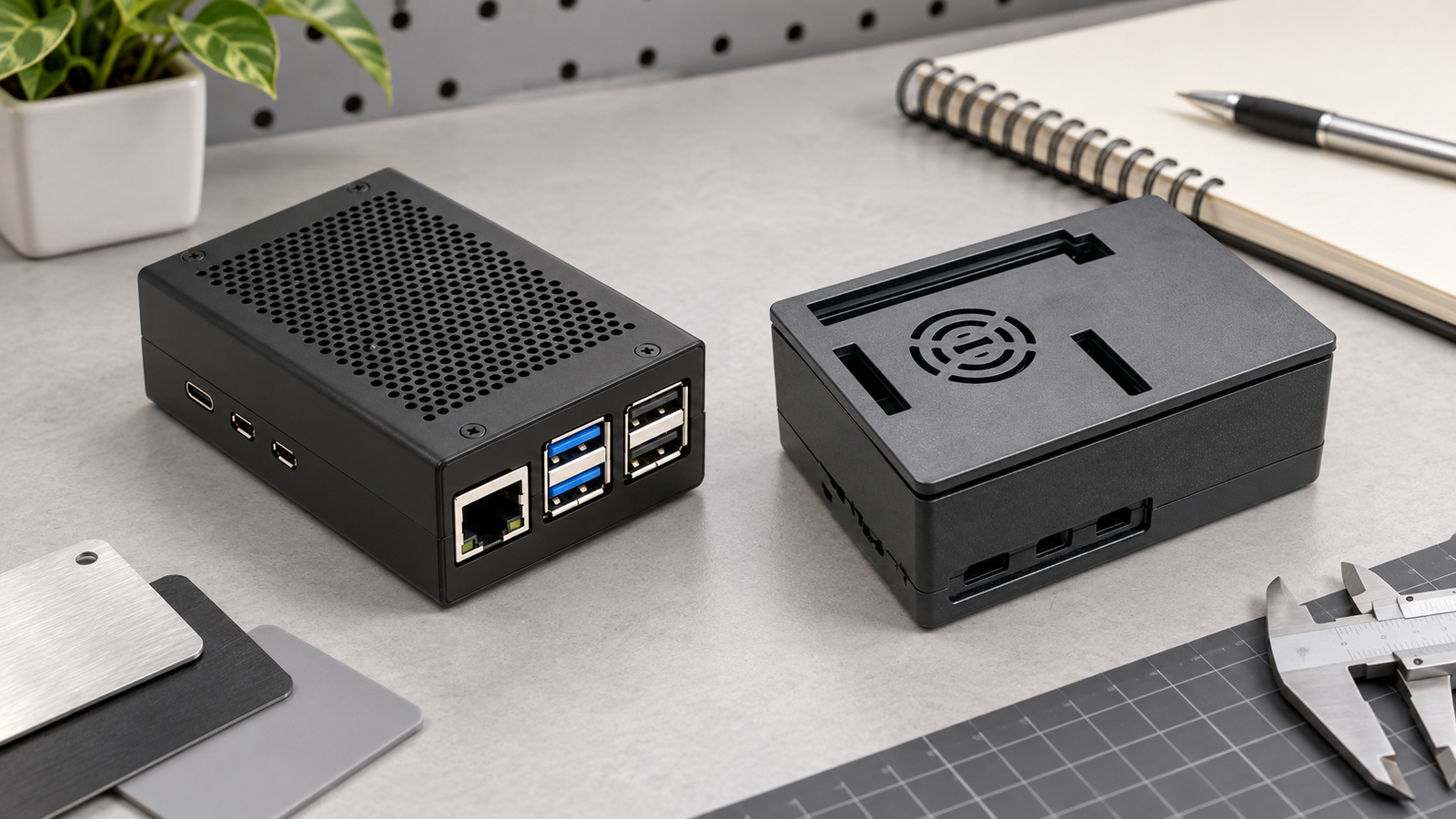
Plastic can be the clearer choice when a desktop build needs a lighter enclosure, removable access, or a configuration that is easier to inspect and change. It does not mean “no cooling”; it means the buyer should check the specific ventilation, fan provision and accessory clearance instead of treating the material label as a thermal specification.
For resellers, this is also a support decision. A lid or access route that makes routine changes easy can be more valuable than a premium-looking shell that complicates a customer's first upgrade. The ABS active-cooler case option is a relevant product family to confirm against the final desktop configuration.
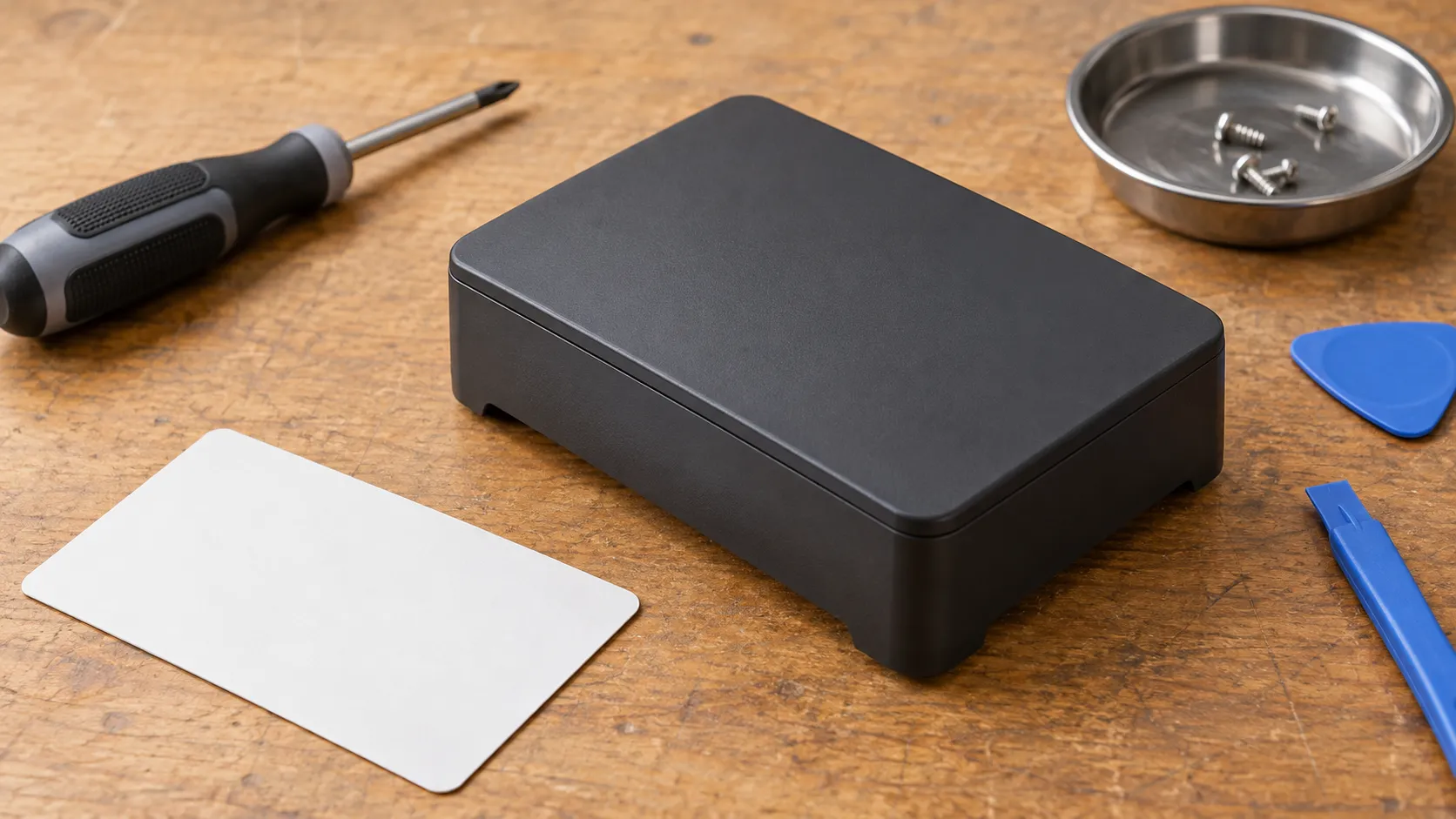
When fan-cooled should become the default
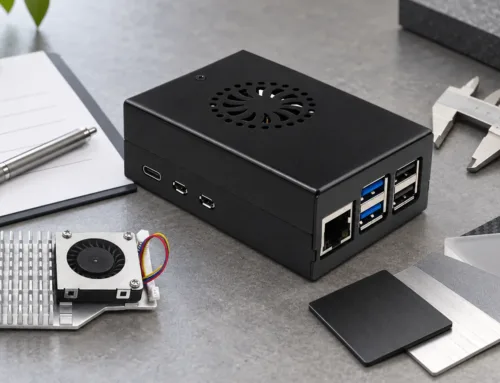
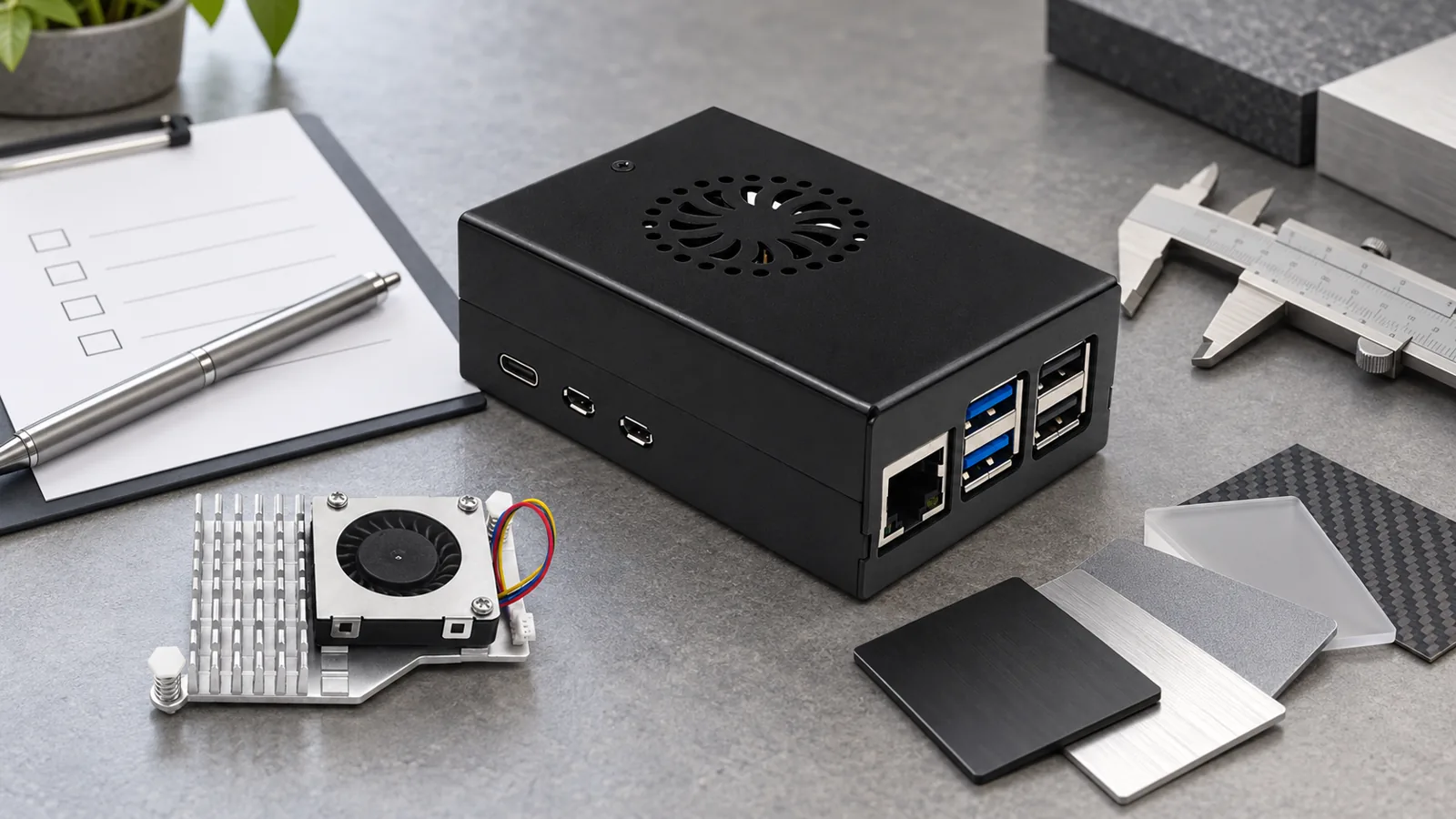
Choose an actively cooled path when the planned desktop role includes sustained work and the selected case supports that configuration. Pi 5 provides a four-pin PWM fan connector, and Raspberry Pi documents temperature-controlled fan operation for its official fan options. That confirms the board-side capability; it does not prove the noise, airflow or temperature result of another enclosure.
The trade-off is worth stating plainly: a fan is not just a marketing badge. It adds a thermal path, a moving part and an acoustic consideration. For a desktop placed near a user, confirm the exact fan design and the expected workload before placing a broad “quiet” claim on a listing or project brief.
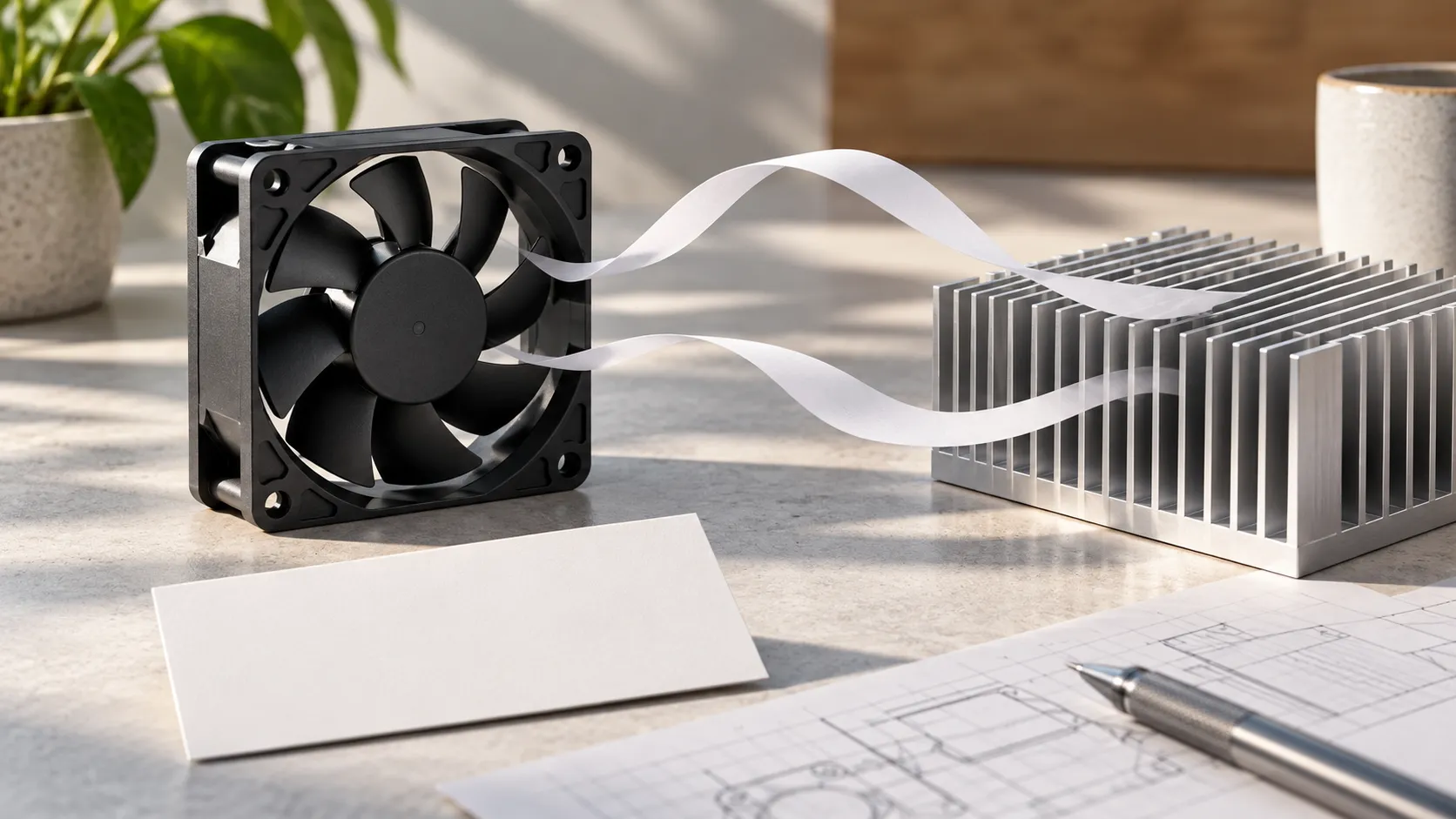
Check HAT, M.2 and cable plans before approving the enclosure
Expansion can overturn an otherwise sensible desktop-case choice. Raspberry Pi notes that its standard M.2 HAT+ requires removal of the official Pi 5 case lid and included fan, while its Compact version is designed around the fan. Treat that as a reminder to verify each accessory-case combination, not as a shortcut for third-party fit.
Here is the buyer-side warning: never approve a case from a board-only photo if the final desktop will use an M.2 HAT, GPIO device, camera cable, unusual USB accessory or a fixed display lead. Ask for a drawing, controlled photo or sample assembled with the exact stack.
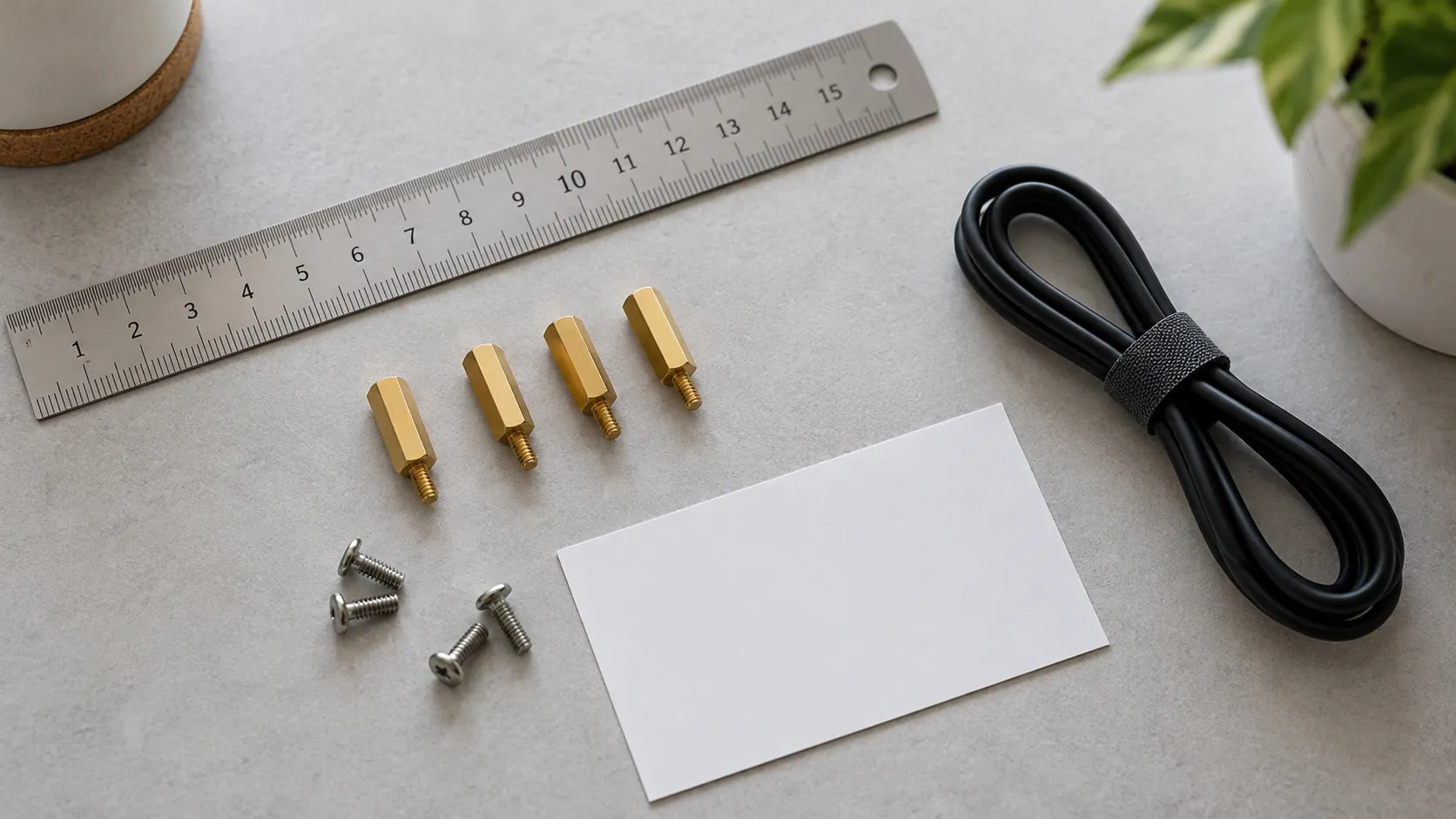
A short selection path for desktop buyers
| Desktop situation | Starting direction | What to confirm before approval |
|---|---|---|
| Light desktop use with frequent access | Plastic or other serviceable case | Port access, cover removal, ventilation and peripheral clearance |
| Sustained desktop workload | Fan-cooled or confirmed thermal design | Cooling construction, power arrangement, fan behaviour and actual operating setup |
| Expansion-heavy desktop | Case selected around the final stack | HAT/M.2/GPIO clearance, cable exits and lid compatibility |
| Desktop product or repeatable bundle | Verified case family plus fit confirmation | Exact board revision, included parts, service route and supply requirements |
Use the Raspberry Pi 5 case range to narrow the architecture first, then compare the actual configuration. The cleanest decision is usually the one that has already accounted for the cables and accessories on the desk.
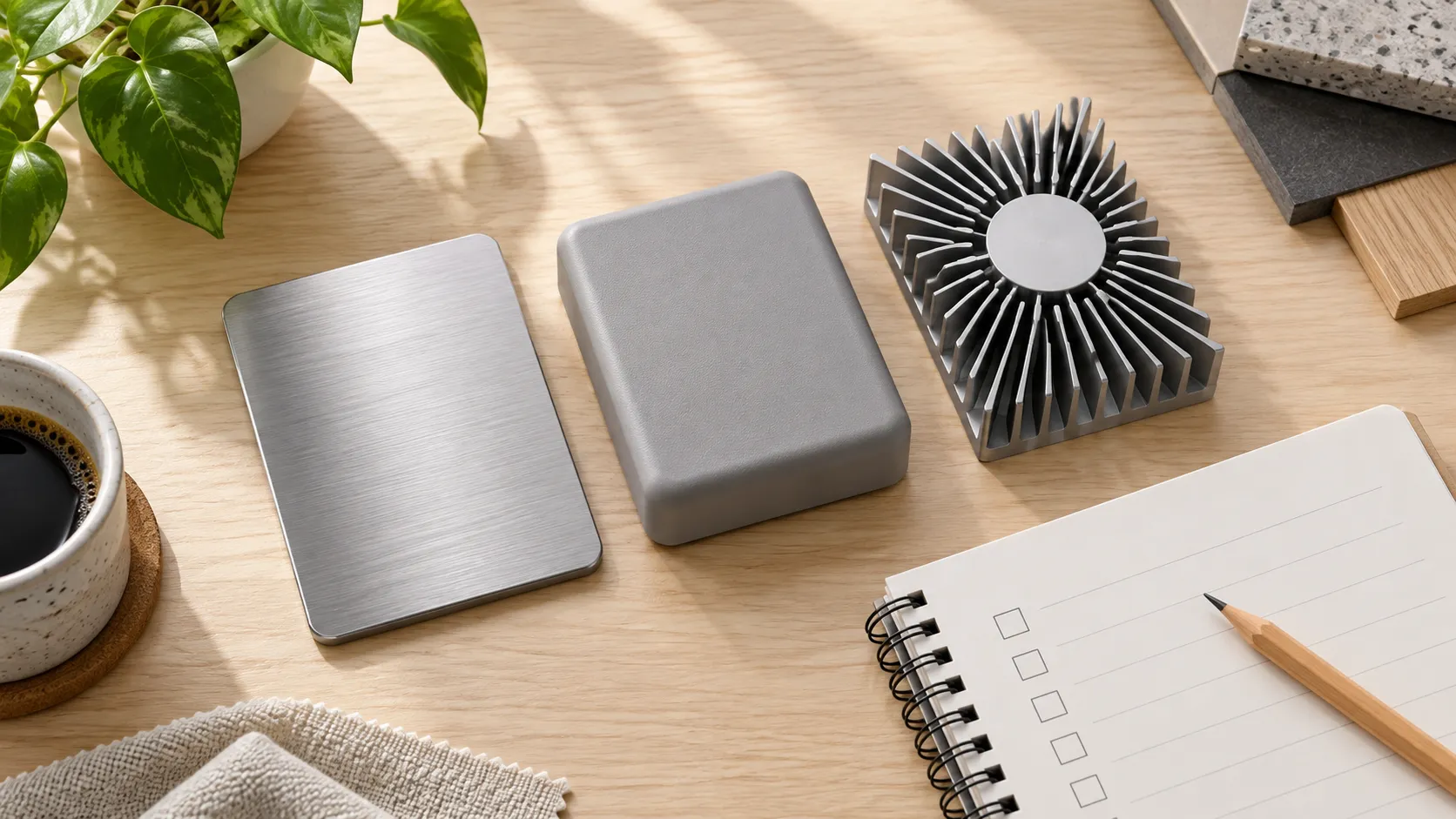
Ask these questions before ordering a desktop-case configuration
Is metal always better for a Raspberry Pi 5 desktop?
No. Metal can be part of a useful thermal design, but contact, airflow, access and the actual workload matter more than material alone.
Does every desktop Pi 5 need a fan?
Raspberry Pi says Pi 5 performs best with active cooling. Select a fan-cooled configuration when the workload and enclosure design warrant it, then confirm the exact thermal arrangement.
Can I assume an M.2 HAT will fit?
No. Confirm clearance for the exact case and accessory stack. Official documentation itself distinguishes compatibility between M.2 HAT+ variants and the official case.
Confirm the desktop setup before you buy
Send the Pi 5 board version, desktop workload, display and USB connections, power plan, and any HAT or M.2 requirement. We can help narrow the case architecture before you commit to a configuration.
Leave A Comment