 Skip to content
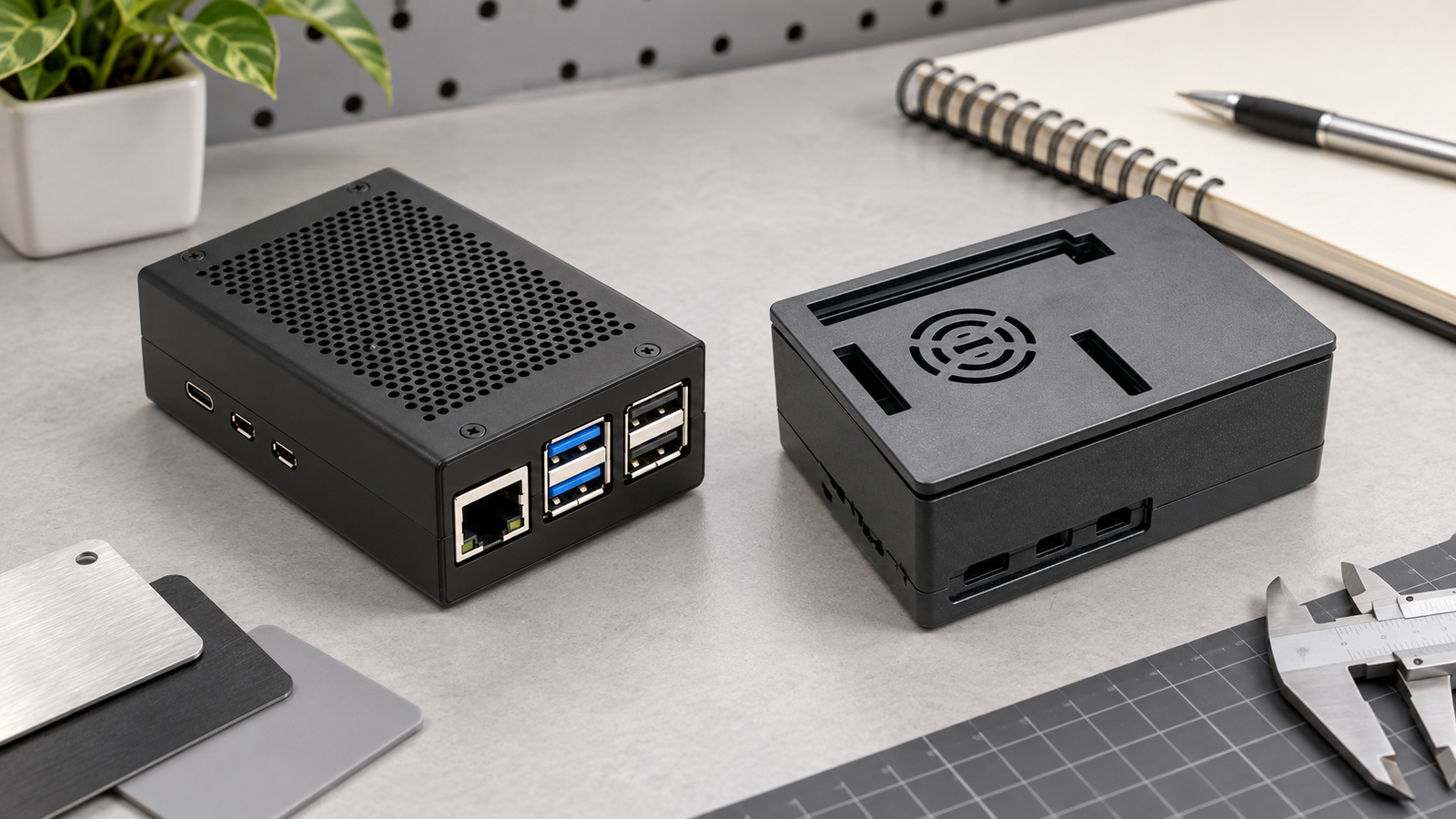
A distributor reviewing two Raspberry Pi 5 case samples may see “aluminum” and “ABS” on the cartons and expect the choice to be obvious. It rarely is. I start with the finished build: sustained workload, cooling method, power, cables, expansion hardware, service access and the place where the unit will run. Those are the variables that make an aluminum vs ABS Raspberry Pi 5 case decision useful instead of cosmetic.
My short answer is this: choose aluminum when the exact enclosure gives the build a real, verified thermal path or a metal structure that suits the deployment. Choose ABS when its actual layout, fan/vent arrangement, lighter molded structure or access pattern suits the build better. Neither material, by itself, proves a temperature result, HAT fit or cable clearance.
 ## Start with the finished build, not the material label
The board sets several physical requirements before the enclosure material enters the conversation. Raspberry Pi 5 has USB-C power, two micro-HDMI ports, USB ports, Gigabit Ethernet, a 40-pin GPIO header, combined camera/display connectors, PCIe expansion and a fan connector. Those interfaces are board facts; they do not tell us whether an individual case exposes, clears or cools a buyer’s final assembly.
I start with the finished build because a material label cannot answer a cooling, cable or clearance question. A compact desktop used in bursts, a continuously loaded small server and a serviceable edge installation can all use the same board but need different enclosure priorities.
| Decision question | Aluminum direction | ABS direction |
|---|---|---|
| Cooling approach | Useful when the exact case has a confirmed contact path, finned surface or airflow design. | Useful when the exact design provides appropriate venting, fan integration or internal cooler clearance. |
| Mechanical form | Check shell profile, fasteners, heatsink/fan structure and exposed-surface clearance. | Check molded lid/body layout, fan/vent route, clips or screws, and access pattern. |
| Accessory stack | Confirm header, cable and lid clearance on the exact assembly. | Confirm the same stack; plastic is not a shortcut around fit verification. |
| Do not assume | No material-only temperature, wireless or compatibility conclusion. | No material-only cooling, fan or compatibility conclusion. |
 ## Aluminum earns its place when the thermal path is real
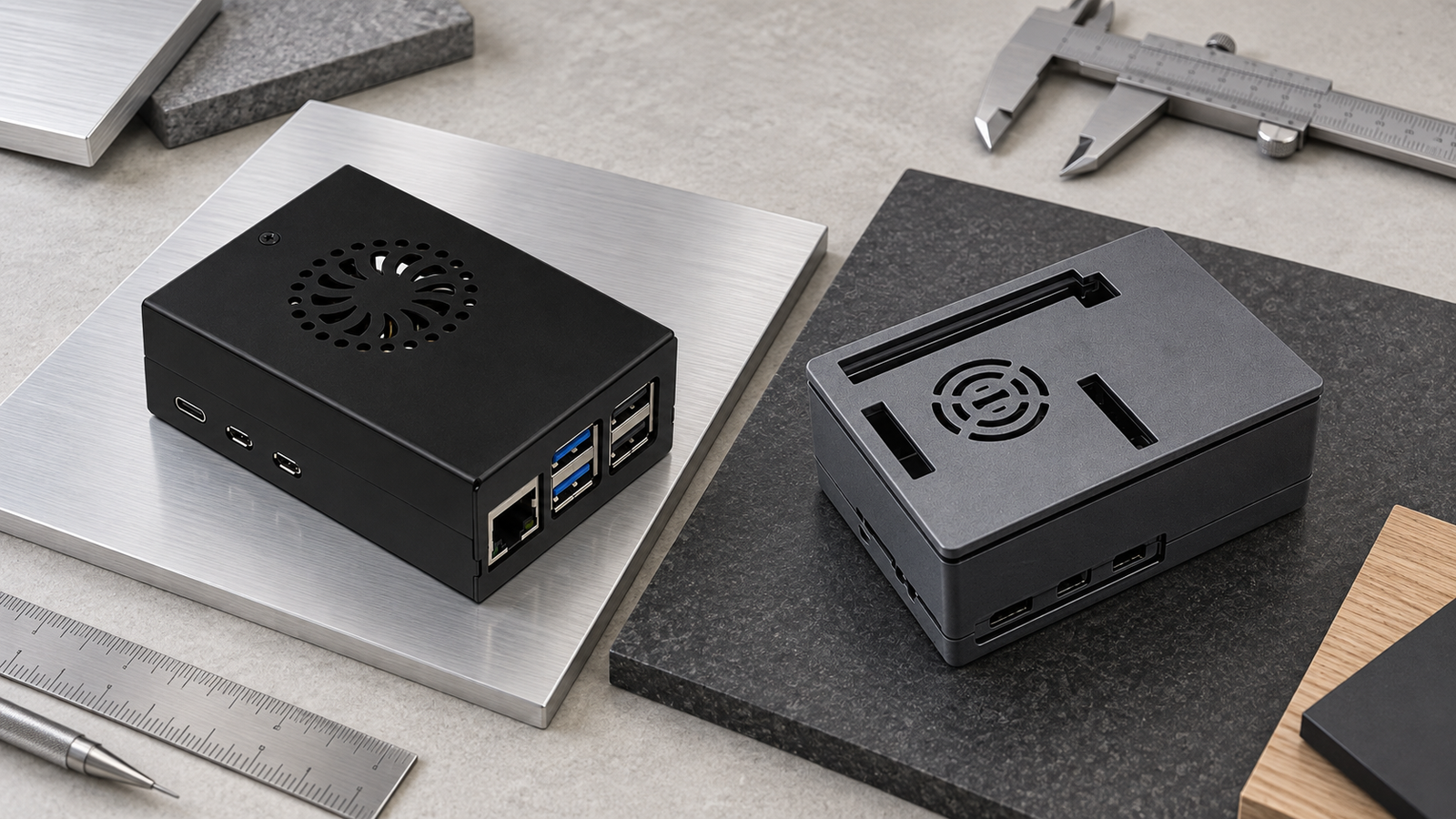
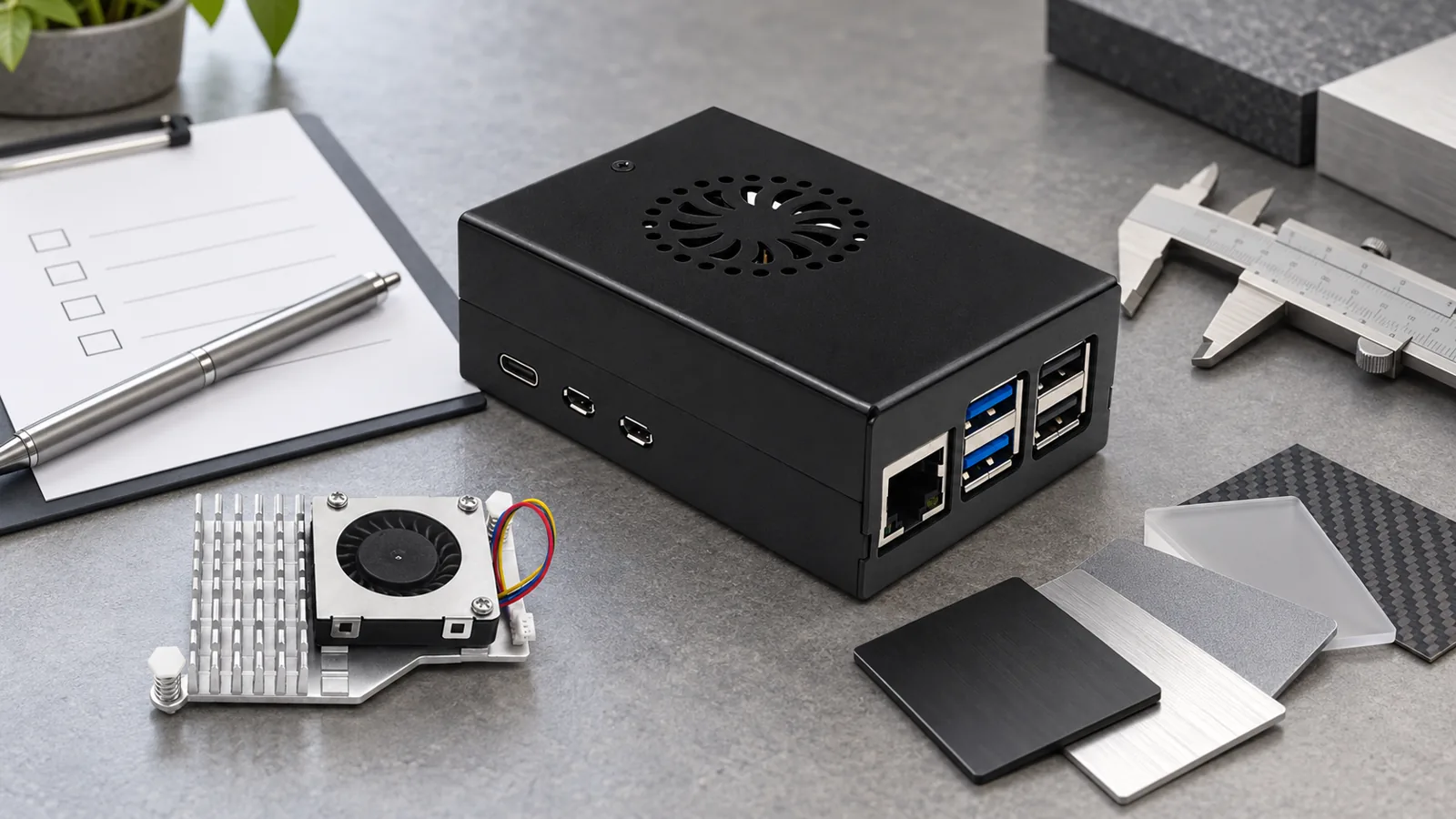
Aluminum is valuable when the particular enclosure turns it into part of a thermal design: a confirmed contact method, enough exterior surface and a credible airflow situation around the finished case. Raspberry Pi’s own active cooler combines an anodised aluminum heatsink, thermal pads and a temperature-controlled blower fan. That supports the broader design principle, but it does not certify the cooling result of a different aluminum case.
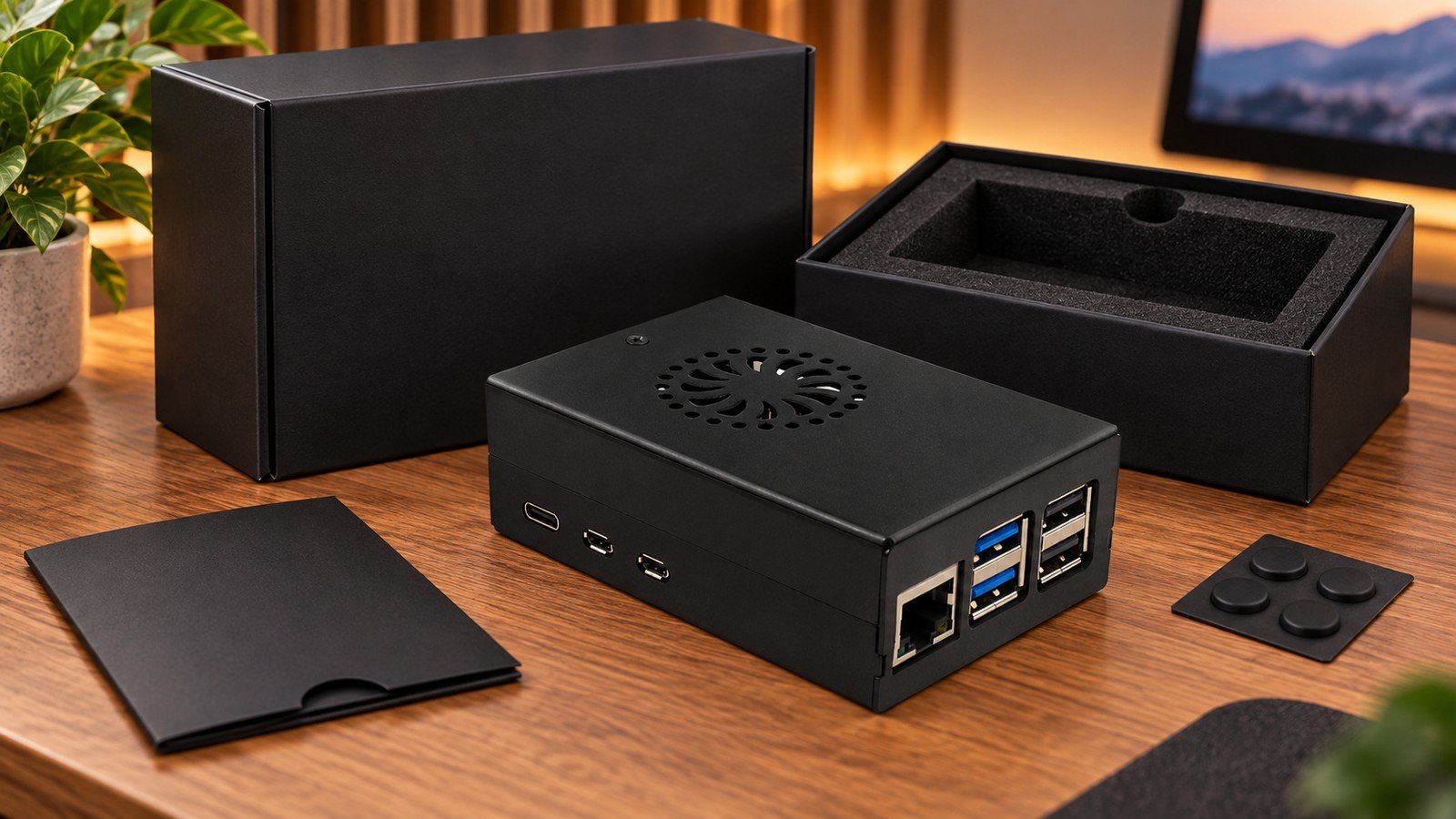
My rule is simple: aluminum earns its place only when the exact enclosure gives it a real thermal job. A black metal shell that lacks confirmed contact, clearance or airflow is not automatically the stronger Pi 5 choice. For a product-family starting point, the aluminum alloy heatsink-built Raspberry Pi 5 metal case is relevant, but its final fit still needs checking against the actual board stack.
 ## ABS is a layout decision, not a cooling verdict
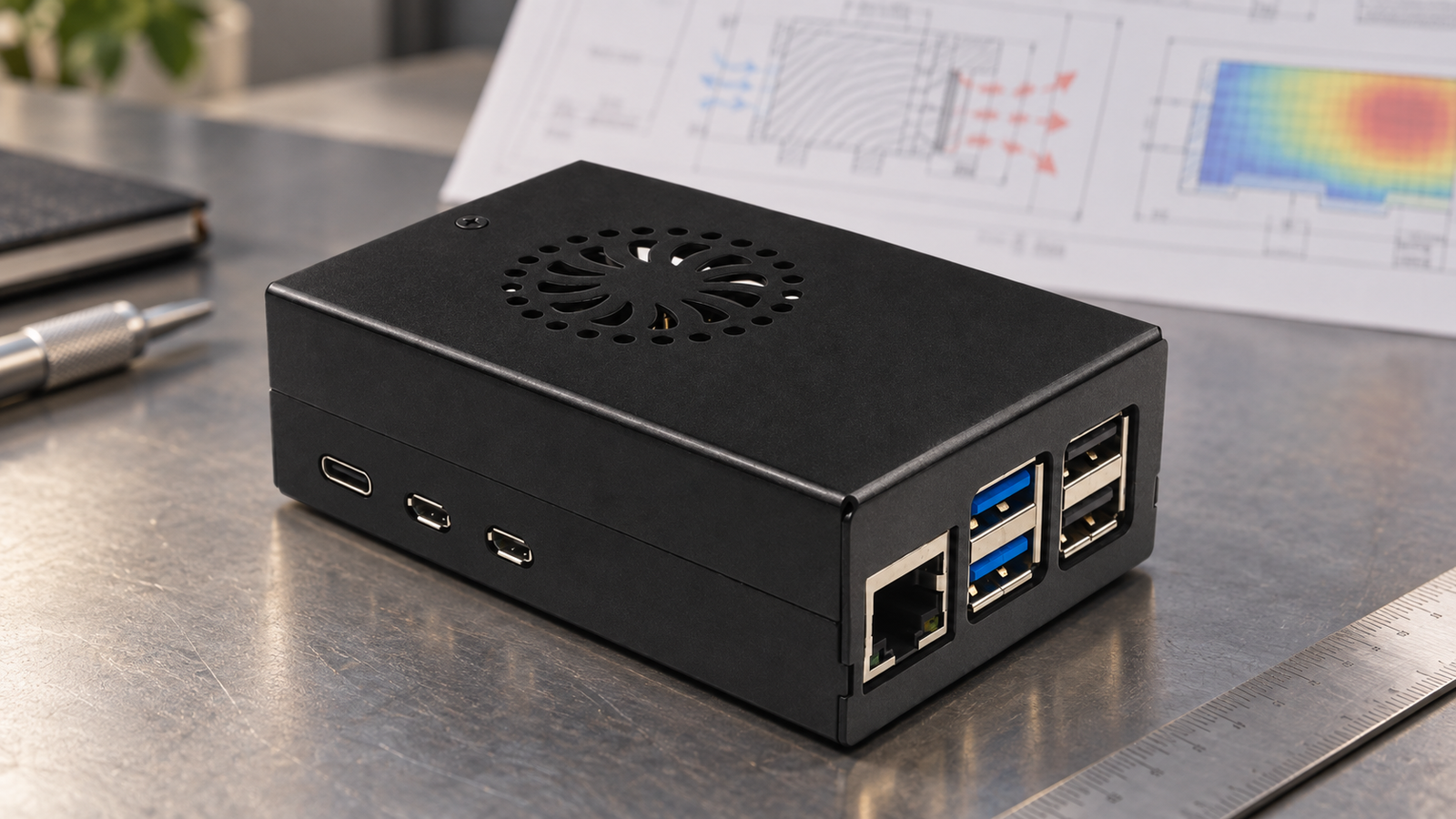
ABS can be the better direction when the build benefits from a molded layout, fan-capable cover, lower handling weight or an access pattern that suits the application. I would not downgrade an ABS option before I have looked at its fan, vents, heatsink space and service access. The full thermal arrangement matters more than the word printed in the material field.
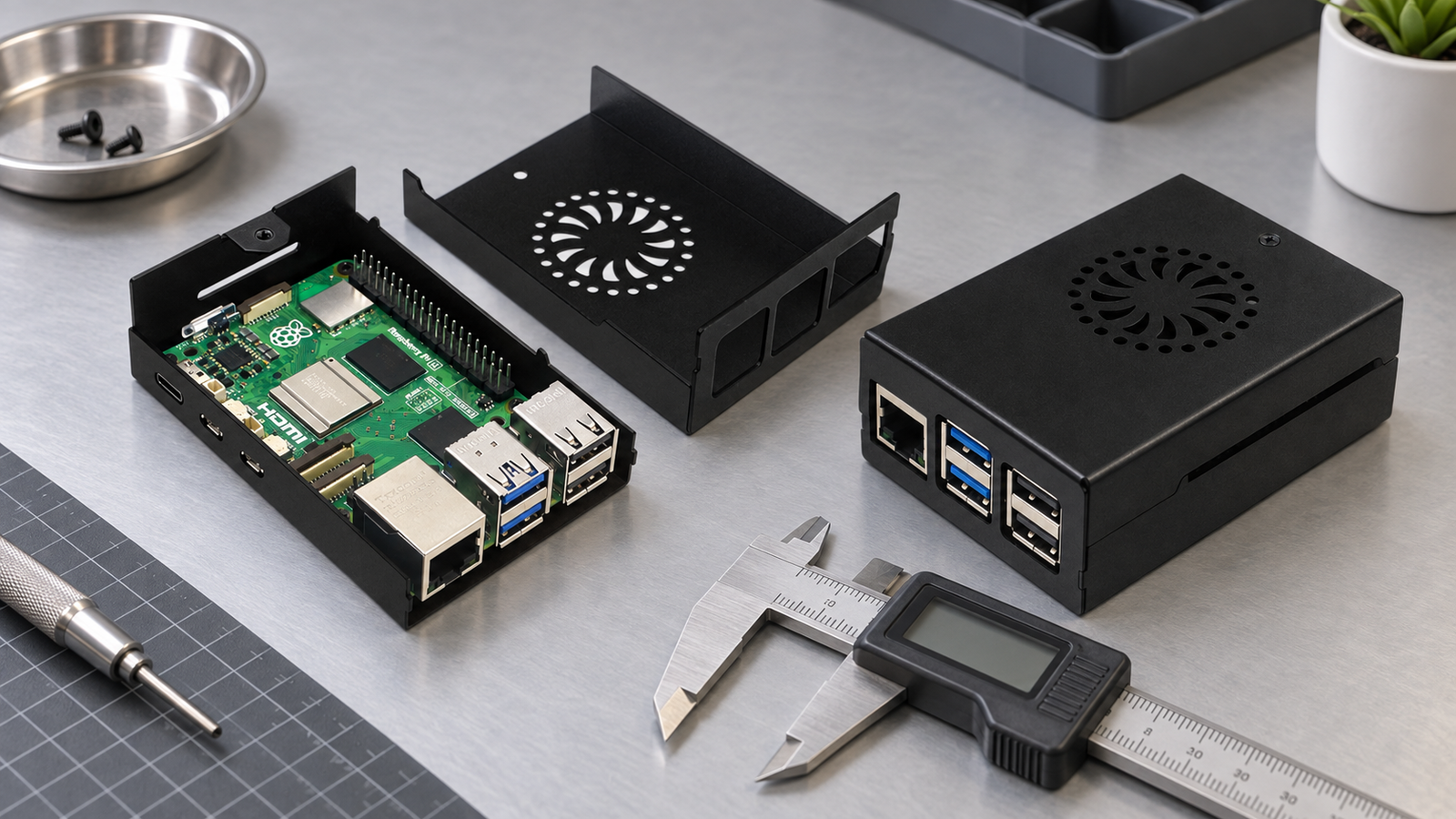
The official Raspberry Pi 5 case makes the point well: its base, frame and lid are ABS, while its fan assembly is PC; it also includes a temperature-controlled fan and a heatsink. That is evidence about that official design, not a promise about another plastic enclosure. RaspberryPiBox’s ABS plastic Raspberry Pi 5 case with active cooler is a relevant family option; confirm the precise fan, lid, cable and accessory arrangement before specifying it.
 ## Case access and expansion clearance can overturn the material choice
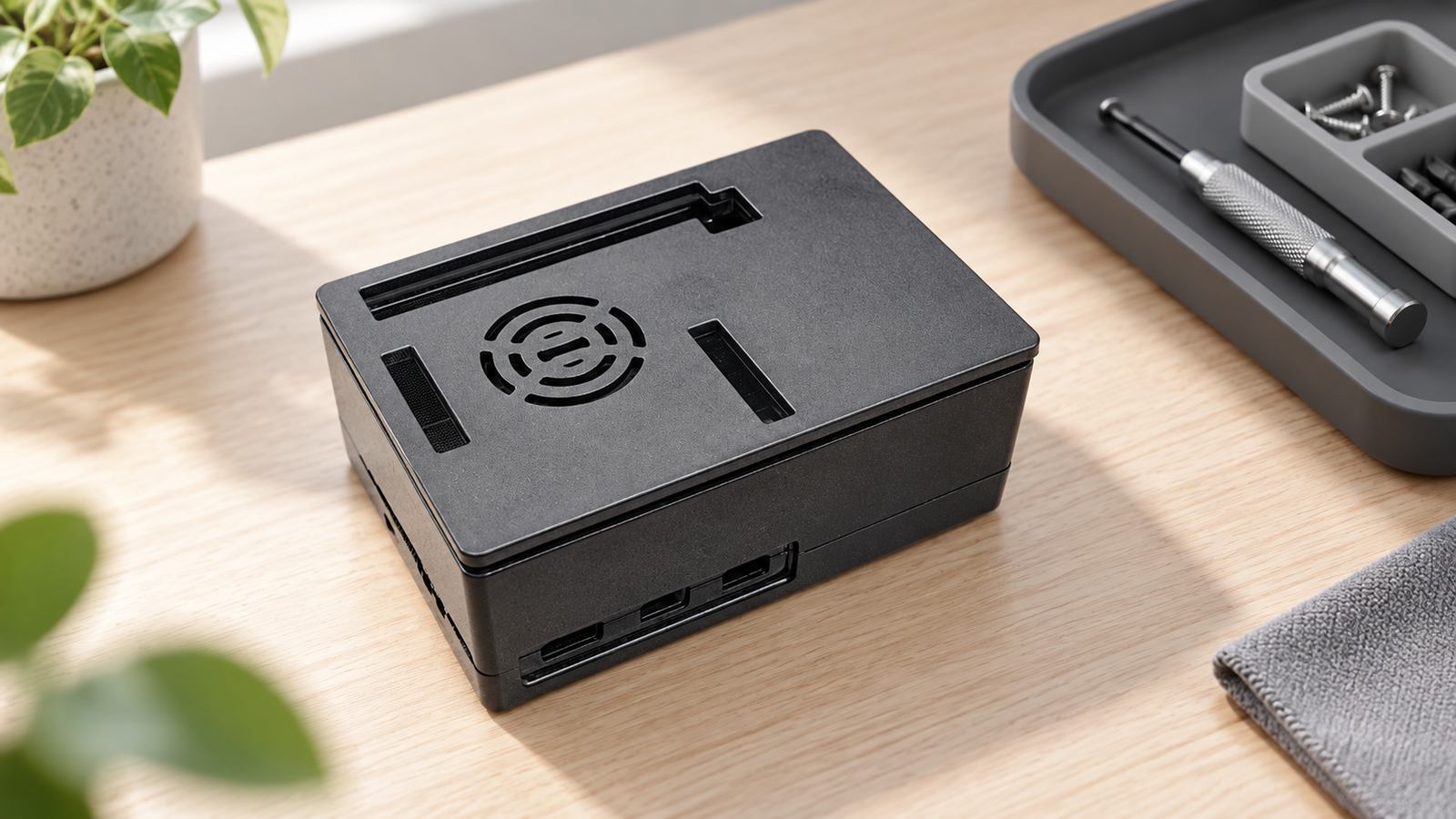
Raspberry Pi 5 adds real enclosure-planning pressure: its PCIe FFC connector, combined camera/display connectors, GPIO header and fan connector can all affect the height, lid and cable-routing plan. Raspberry Pi also recommends a high-quality 5 V 5 A USB-C supply for the Pi 5; that power decision belongs in the same physical review when the build has peripherals or a fan.
Before we discuss a batch, I ask for the whole physical stack, not merely the board name: cooler, HAT or PCIe adapter, header height, ribbon cables, connector shells, required ports and mounting method. A mechanical drawing establishes a board reference; it does not prove a third-party enclosure will clear every accessory.
Fit rule: treat the case, cooler, cables, expansion hardware and mounting method as one assembly. Mark any unconfirmed clearance as “confirm with manufacturer” until it is checked on a sample or controlled drawing.
 ## Choose for the deployment and service routine
For me, the decisive question is often who must reach the enclosure later and in what space. A home server on an open shelf gives airflow and cable access different weight than a compact project enclosure that will be opened during service. In a constrained installation, connector bend radius, access to storage or GPIO, mounting space and the air around the case can outweigh the material decision.
Pi 5 performs best with active cooling according to Raspberry Pi’s product guidance, but that does not mean every build needs the same fan case or that active cooling alone resolves a poor enclosure layout. Match the cooling plan to workload and ambient conditions, then confirm that the enclosure can support it without blocking the access the project needs.
 ## A buying check that prevents expensive assumptions
For mixed requirements, separate case families by the real cooling, access and accessory configuration rather than expecting one “Pi 5 compatible” SKU to serve every build. I prefer a sample or controlled drawing review to discovering a clearance issue after labels, packaging or reseller listings have already been combined.
- State the workload, ambient environment and whether cooling is passive, active or a combination.
- List every HAT, PCIe/M.2 item, ribbon cable, power plug, display cable and mounting requirement.
- Specify which ports, GPIO areas and service points must remain reachable after installation.
- Confirm the exact enclosure/cooler/accessory stack with a sample or drawing before a batch decision.
- Keep materially different cooling or access configurations as separate SKUs for purchasing and support.
Browse the current Raspberry Pi 5 cases first, then send the completed stack for fit confirmation. If the power plan includes higher-draw peripherals, a verified 5.1V 5A USB-C Raspberry Pi 5 power supply is a relevant product category starting point—not a substitute for total-system validation.
 ## Buyer questions about aluminum and ABS Pi 5 cases
Is an aluminum Raspberry Pi 5 case always cooler than an ABS case?
No. Cooling depends on the specific thermal contact, heatsink or fan arrangement, airflow, workload and installation conditions. Material alone does not establish a temperature result.
Will an ABS case always be easier for HATs or PCIe accessories?
Not confirmed without the exact case and accessory stack. Check lid height, connector routes, header clearance, cable bend and required access points for the final assembly.
Should I specify active cooling for every Pi 5 build?
Raspberry Pi says Pi 5 performs best with active cooling, but the appropriate case/cooler arrangement remains dependent on workload, ambient conditions, service needs and the exact enclosure design.
Discuss Your Raspberry Pi 5 Case Requirement


Leave A Comment