 Skip to content
Key Takeaways
The Raspberry Pi is an inexpensive, powerful, small computer designed for learning and experimentation. Also, it has fantastic versatility since you can jump into more advanced applications such as programming and electronics.
Its price puts it within everyone's reach. Plus, its versatility in connecting to multiple peripherals makes it ideal for beginners and experts alike. This fosters STEM education and digital making.
Raspberry Pi’s hardware, like the ARM processor and GPIO pins, enables it to perform simple and complex tasks. This enhances its functionality with multiple operating systems.
The resources and support from the community are overwhelming. They offer help and motivating ideas for far-reaching projects and uses.
Raspberry Pi makes everything from personal web servers to robotic vehicles and smart home systems more affordable to create and explore. It ignites the spirit of creativity and experimentation among makers all around the world.
The platform is incredibly user friendly. It’s an excellent option for schools and other educational organizations. It’s also popular with hobbyists who want to experiment with technology at a reasonable cost.
The Raspberry Pi, a tiny, affordable computer, has ignited a world of creativity since its introduction in 2012. For tinkerers and tech enthusiasts, the possibilities are truly endless with this versatile little device.
Create amazing home automation systems, retro gaming consoles, weather stations and more! Raspberry Pi has become an international phenomenon as a low-cost learning tool for coding and electronics. It’s no surprise that beginners love it for its overall ease of use and low cost.
Dive into new tech skills and bring your ideas to life with a Raspberry Pi. It’s not just a new piece of technology. It’s a door to creativity.
Get hands-on with fun projects and unleash the magic of making with tech. Get connected to a worldwide network of tinkerers and technology creators.
Understanding Raspberry Pi
What Is Raspberry Pi?
Raspberry Pi is a powerful, credit-card-sized computer that runs Linux-based operating systems. Its focus on education and personalization also makes it a great introduction to technology for the inquisitive mind. You can connect it to any number of everyday peripherals like keyboards, mice, and monitors, turning it into a complete PC experience.
Its power goes from web browsing to advanced electronic projects and computer programming. Its low price point also makes the software a go-to option for novice and seasoned users. This creates a unique opportunity for a wide audience to engage with the bill and discover its potential.
How Raspberry Pi Functions
Beyond the software, the Raspberry Pi has some really interesting hardware, including an ARM processor and GPIO pins. These four ingredients set the stage for a million really cool projects. These components give it the ability to run several operating systems, increasing its flexibility for various applications.
By connecting the Raspberry Pi to the internet, you can expand its functionality. You can use it for tasks like hosting a web server or streaming media. The device also works with very low power needs, so it is also pretty energy-efficient.
This benefit is ideal for ongoing or multi-year initiatives. This efficiency combined with its raw processing power results in the Raspberry Pi being an effective tool for learning and real-world applications alike.
Comparing Raspberry Pi and Arduino
Feature | Raspberry Pi | Arduino |
|---|---|---|
Processing Power | Higher, suitable for computing tasks | Lower, suitable for hardware control |
Programming Languages | Python, C++, others | C, C++ |
Operating System | Linux-based | None |
Use Cases | Media servers, programming | Robotics, sensor projects |
Cost | Varies by model | Generally lower |
Target Audience | Beginners, experts | Hobbyists, engineers |
The next generation of computing
For all computing tasks, Raspberry Pi is ideal. Arduino is a godsend when you need low-level hardware control. Linux native Raspberry Pi also benefits from strong support of Linux environments, making a familiar platform for anyone already comfortable with this operating system.
The cost differences between Raspberry Pi and Arduino are the first clue of their intended user. Raspberry Pi appeals to the student and gadgeteer demographic. Arduino speaks to those with more hardware-targeted applications in mind.
Exploring Raspberry Pi Models
Raspberry Pi provides a number of models of their computers, including Raspberry Pi 4, Raspberry Pi Zero, and Raspberry Pi Pico, with different specifications. The Raspberry Pi 4 has boosted CPU speed and RAM. Because of this upgrade, it’s great for resource-intensive tasks as well, like media servers and lightweight desktop replacements.
The Raspberry Pi Zero and Pico are much smaller and less powerful devices. They are most advantageous in projects where size and power are at a premium, such as IoT applications. Raspberry Pi models have changed a lot in recent years.
They’ve also grown tremendously in their capabilities, opening the door for entirely new forms of digital making and learning.
Getting Started with Raspberry Pi
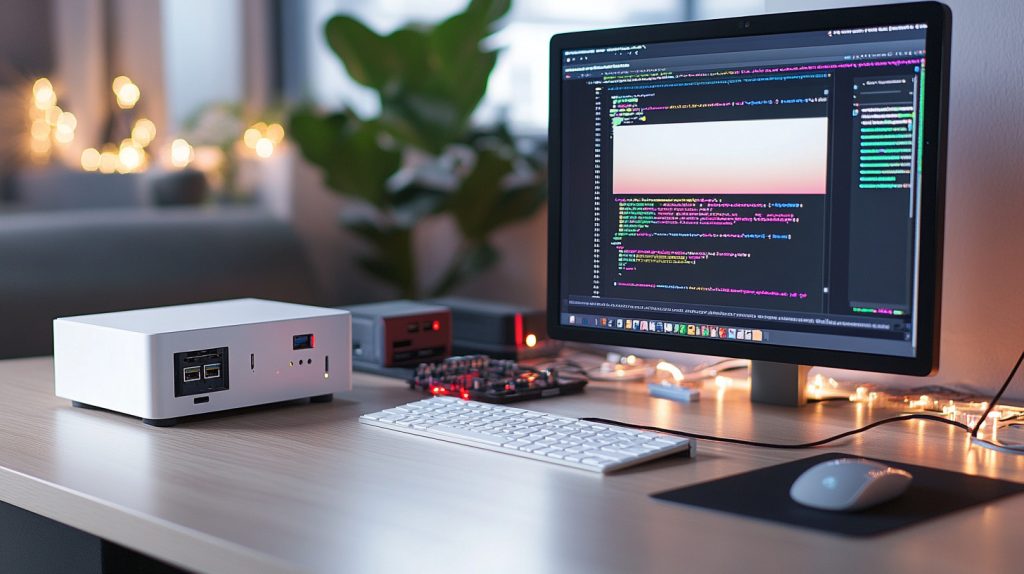
Your journey with the Raspberry Pi starts with having the right basics. First, get your hands on a power supply and a quality microSD card with at least 32GB of storage to house your Raspberry Pi OS. Then, pick up an HDMI cable for video output.
Having these things taken care of will set you up for success as far as having a smooth installation process. Focus on a good power supply to ensure reliable operation. Any SD card less than 2TB is fine. A good checklist helps you cut through the noise and ensures you don’t overlook anything that really matters.
Setting Up Your Raspberry Pi
Setting up your Raspberry Pi involves a few straightforward steps:
Insert the microSD card with the Raspberry Pi OS into the Raspberry Pi's slot.
Connect the HDMI cable to a monitor or TV.
Attach a keyboard and mouse via USB ports.
Plug in the power supply to power the Raspberry Pi.
Configuring these settings will help ensure the best possible connectivity. On a desktop environment like LXQt, you can click the network icon on the bottom right of the desktop to connect to Wi-Fi. Keeping your operating system up to date means you’re getting the most recent features and security updates.
Making your computer your own helps you enjoy a more comfortable and personal interaction with your desktop. It’s interesting to mention that Raspberry Pi models also support Bluetooth, which can be useful to connect audio devices.
Choosing the Right Accessories
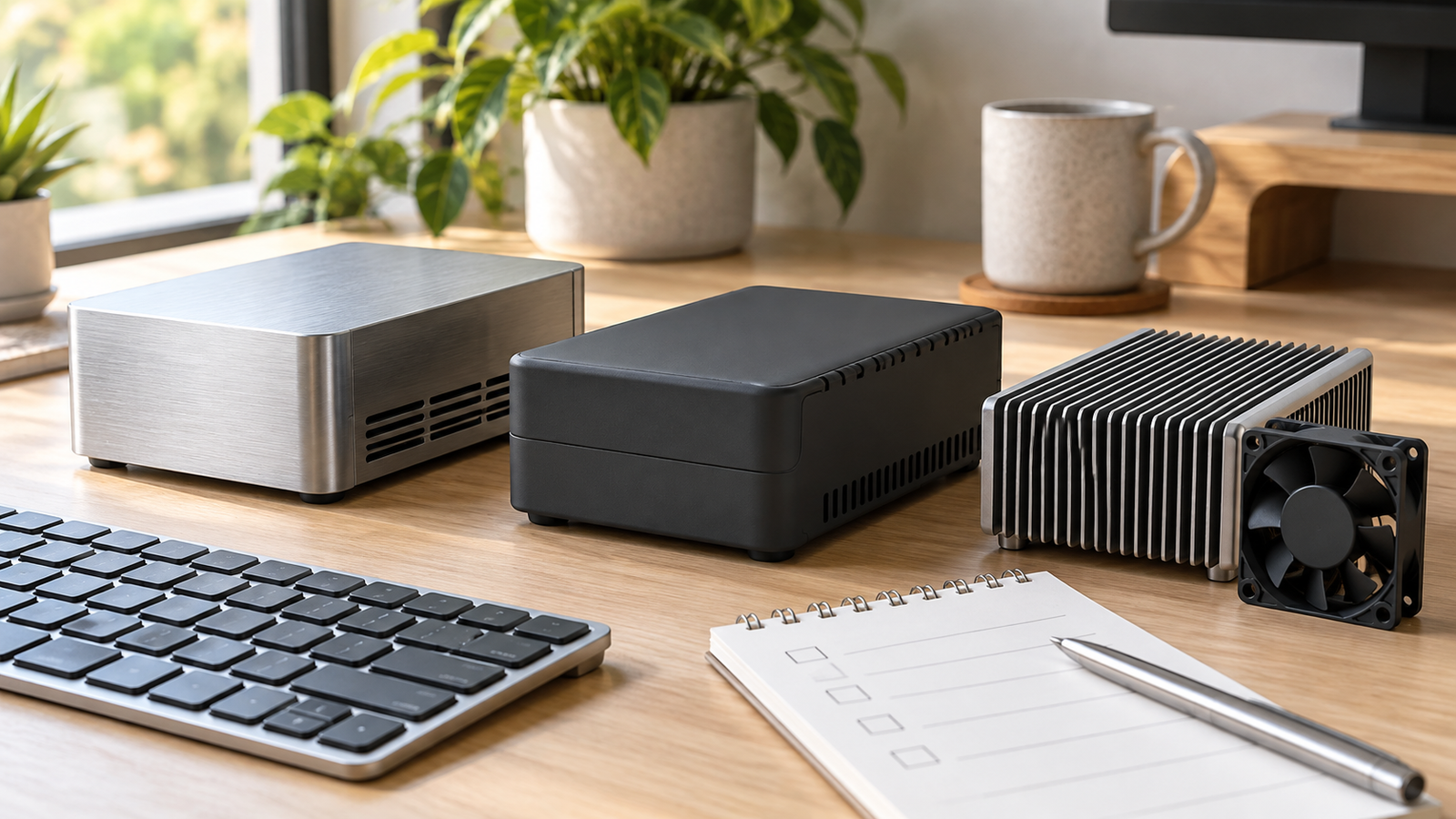
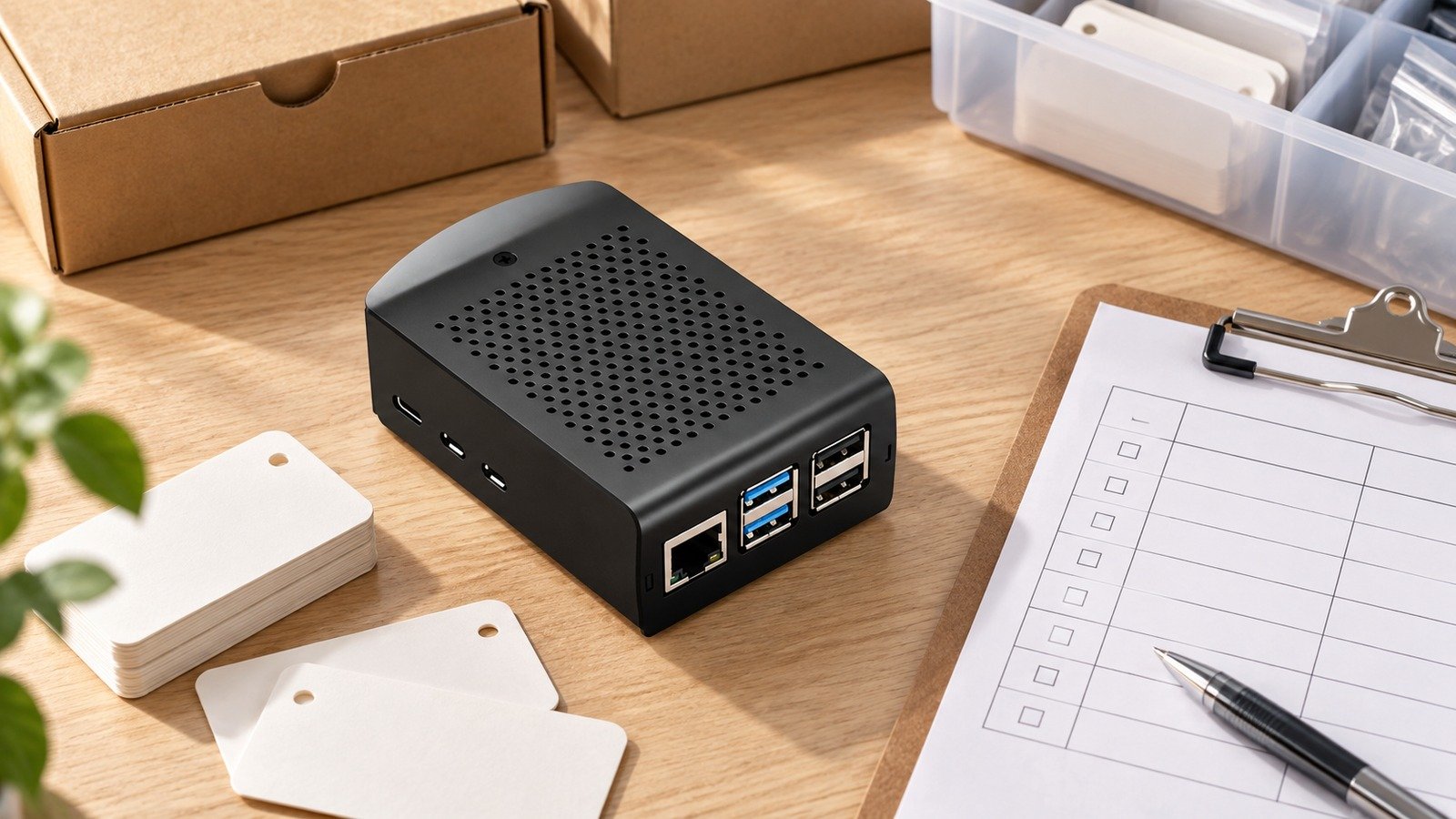
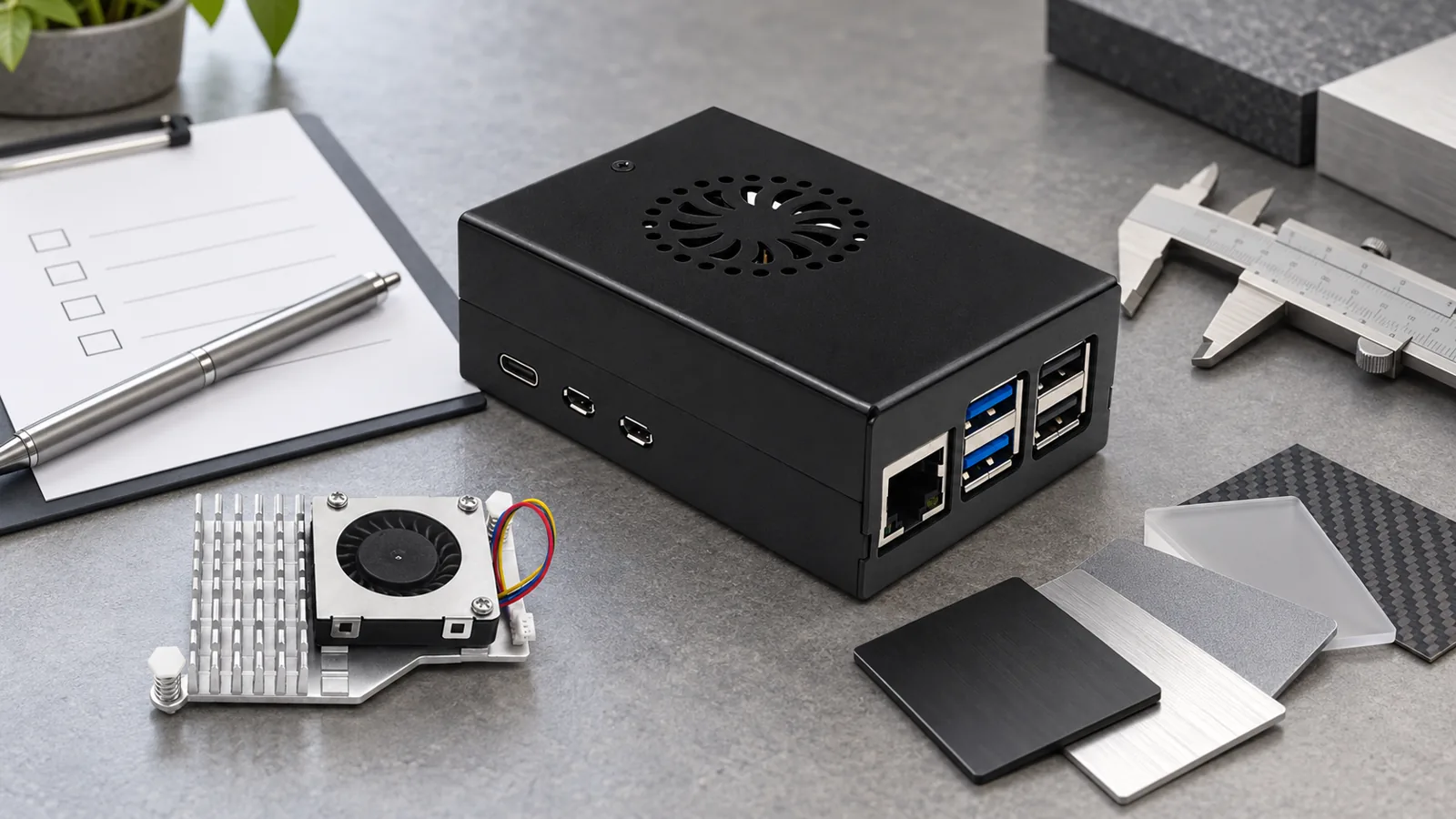
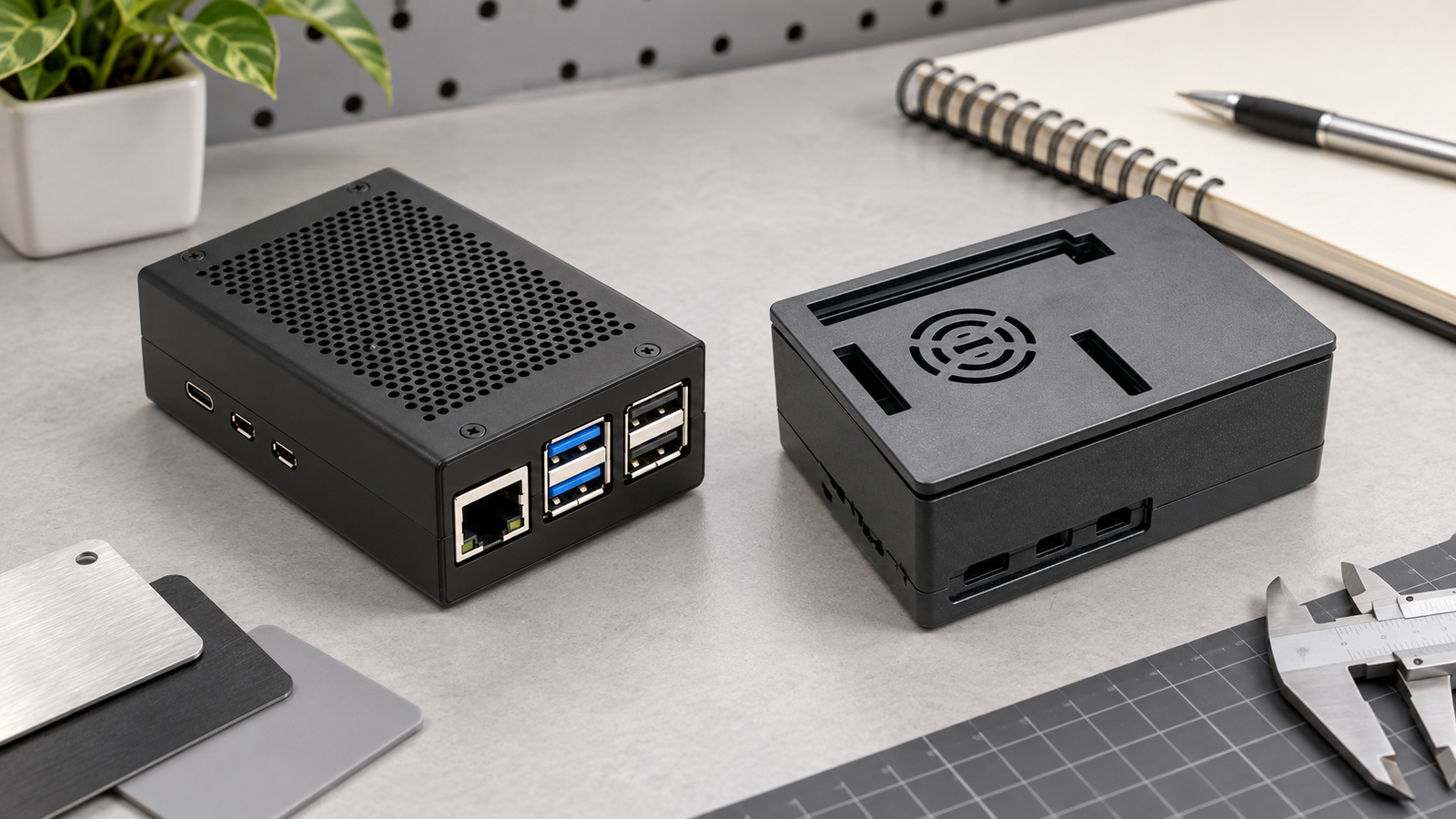
Choosing the best accessories will help you get the most out of your Raspberry Pi. Examples of essential accessories are sturdy cases to protect the board, cooling fans to help ensure the board does not overheat, and USB hubs to add connectivity.
A high-quality power supply is important for ensuring stable performance and minimizing the risk of under-voltage defects. Compatible peripherals, like keyboards and mice, are needed for a frictionless user experience. For specialized projects, such as photography, look for optional accessories to enhance functionality.
Add-ons like camera modules can make your setup truly versatile. They give you the tools necessary to tackle a wide range of projects.
Installing the Operating System
Installing the operating system is a key step in bringing your Raspberry Pi to life.
Download the Raspberry Pi OS image from the Raspberry Pi Foundation's website.
Use software such as Balena Etcher to flash the image to the microSD card.
Insert the card in your Raspberry Pi and power it on to boot.
You might want to look into other operating systems as well, such as Ubuntu, for other project applications. Scalability beyond the server farm network install can be executed on any compatible storage device.
This gives you the freedom to design your setup however you choose. Once booted, third-party software repositories offer expanded functionality. This allows you to equip your device with all kinds of new capabilities.
For Raspberry Pi models without onboard storage, your microSD card is everything. That also makes it a great candidate to use with other operating systems, such as OSMC. This makes it ideal for media projects.
Raspberry Pi Projects and Applications
Raspberry Pi is such a massively flexible platform, making it ideal for home computers and encouraging makers of all ages and abilities to engage in everything from engineering to robotics to woodworking. Its versatility allows for nearly any application, ranging from basic educational projects to advanced automation solutions, including innovative projects like a proper home theater PC.
If you want to explore more advanced Raspberry Pi projects, it unlocks some really cool potential. You can seamlessly integrate a media streaming server with a home automation system to create a truly technologically advanced ecosystem right in your home.
Creativity and experimentation is the order of the day, as the things you can do with Raspberry Pi are only limited by what you can dream up! Hundreds of project guides and tutorials circulate online, providing easy-to-follow how-to directions as well as creating a collaborative, competitive community of students, tinkers, and innovators.
1. Build a Personal Web Server
Operating a personal webserver using Raspberry Pi learning software such as Apache or Nginx would help to set up a personal webserver. This collaborative project gives you the chance to host your very own website. Benefit from privacy, anonymity, and total ownership of your work!
With WordPress as your CMS, the process of creating content and managing your website becomes much easier, even for the novice. Deploying Raspberry Pi as a web server is extremely budget-friendly. It is even more remarkable when you stack it up against conventional hosting providers, many of which start to add up pretty quickly.
2. Create a Simple Computer for Kids
Raspberry Pi has created a wealth of educational software and games to get kids started. This simple gem makes it an excellent resource for introducing students to basic computer skills. This arrangement allows for the bonus of a very kid-friendly UI, making the entire experience more user-friendly and immersive for kids.
Parents can participate in the excitement too. They can take part in educational tech-focused projects with their kids that inspire creativity and exploration.
3. Extend Your Wi-Fi Network
Configuring Raspberry Pi as a Wi-Fi extender can boost wireless range and has a positive impact on advanced smart devices and streaming features. This makes it easier to connect to a world of possibilities online.
With Raspberry Pi, you can save hundreds of dollars compared to purchasing commercial Wi-Fi extenders. This makes it an intelligent and cost-effective way to extend the reach of your network.
4. Develop a Robotic Vehicle
If you’re building a Raspberry Pi-powered robotic vehicle, for example, you’ll need motors, sensors, and other such equipment. Once you have the robot assembled, you can program the vehicle using programming environments such as Python or Scratch.
These tools provide motivating projects for teaching autonomous navigation and obstacle avoidance. The project provides an exciting, real-world introduction to programming and engineering. It further ignites a passion for learning in the field of robotics, making it an enriching experience for students.
5. Set Up a Network Storage Device
To configure Raspberry Pi as a network-attached storage (NAS) device, follow these steps: [insert steps]. The benefit of centralized file storage is convenient access from all your devices.
Samba software simplifies file sharing across Windows, Mac, and Linux. This DIY Raspberry Pi NAS serves as an economical replacement for expensive commercial NAS and is perfect for home users.
6. Stream Music Across Rooms
You can use Raspberry Pi to create a multi-room audio streaming system. With some creativity and software such as Mopidy, you can have your own homemade music streaming solution that’s tailored to your exact liking.
Advanced integration with other smart home devices gives you more control than ever to create the perfect audio environment. Raspberry Pi can be used as a Bluetooth speaker too. It offers truly portable music playback for a flexible listening experience.
7. Automate Plant Watering
To create an automated plant watering system with Raspberry Pi, gather these components: [insert components]. Built-in programming logic determines watering times based on soil moisture content.
This functionality is great for keeping your plants healthy, especially when you’re not home. The project could further widen to track environmental conditions and determine what conditions would better produce healthy plants.
8. Assemble a Robotic Arm
Constructing a robotic arm with Raspberry Pi involves using servo motors and controlling them via a programming interface such as Python. Control options include GUI interfaces that make programming easy and intuitive.
This project offers creative applications such as object retrieval and drawing. It also provides educational value by giving kids experience with robotics and computer programming.
9. Monitor Weather Conditions
To build a weather monitoring station with Raspberry Pi, you will need the following sensors: [insert sensors]. The data we’re collecting and displaying, including temperature, humidity, and air pressure, helps us understand what’s happening with the weather.
Visualization through flexible online services and possible incorporation into home automation systems for optimizing climate control can make this experience even better.
10. Host a Minecraft Server
By setting up a local Minecraft server on Raspberry Pi, you can invite all your friends and family to come play together! This online dedicated server allows for a tailored gaming experience that offers flexibility with game settings and mods.
The educational facets of running your own server and learning about the underlying infrastructure of networking online are further rewards. This makes it a genuinely fulfilling project.
11. Install a Home Security Camera
To set up a home security camera system with Raspberry Pi, gather these components: [insert components]. Remote monitoring through a smartphone app provides an added sense of safety and reassurance.
Smart motion detection software can automatically trigger recordings and alerts. This offers a more affordable solution than commercial security systems.
12. Make an Alexa-Compatible Speaker
By building your own Raspberry Pi voice-activated speaker powered by Alexa Voice Service, you can control your smart home devices with just your voice. Customizing the speaker’s design and functionality makes the device feel more personally designed to the user’s preferences.
The project could easily grow to incorporate other smart devices and boost the whole home automation experience.
13. Emulate Classic Games
For emulating classic gaming consoles on Raspberry Pi, consider these software options: [insert options]. Through this project, we’re saving retro games from being lost to time while making an exciting gaming experience.
Navigating with controllers and joysticks provides the most realistic gaming experience. Users need to remain informed about the legality of ROMs and game backups.
14. Create a Home Theater System
Using Kodi and other software, building a home theater system with Raspberry Pi gives you the ability to stream from sources all over the Internet. Integrating with existing audio systems enhances sound quality.
The customization of the media library and user interface offers flexibility in creating a personalized home entertainment system.
15. Convert Raspberry Pi to a Laptop
To convert Raspberry Pi into a portable laptop, you will need these components: [insert components]. This combination provides a very thin, light, and low-cost computing environment.
It’s ideal for running simple apps and for doing programming work when you’re away from your main computer. Coupled with a small laptop-style hard case for portability and protection, it’s a great hands-on project for kids and techies.
Advanced Raspberry Pi Uses
Once you develop some more advanced projects with Raspberry Pi, the fun doesn’t have to end, and neither do the possibilities that await technology makers. If you’re looking to dive deeper, Raspberry Pi makes a fantastic introduction. It prepares you to work on broader systems and helps you tackle complicated applications. That versatility and adaptability is what makes it so powerful.
Particularly in the medical industry, it has many applications that further strengthen its impact. The significant milestone of 20% year-over-year growth in 2023 underscores its value to over 12,000 IP and R&D teams worldwide. When a strong community is also a resource-rich one, users are empowered to go above and beyond the original intended use, to innovate and to create.
Learn Programming Skills
Python
Scratch
Learning coding through hands-on, real-world applications with Raspberry Pi makes you a better programmer by engaging you in practical problem-solving and encouraging creative thinking. This gives students a valuable, immersive, learn-by-doing approach. The real-world benefit it provides is something no textbook can compete with.
Beginners can find numerous online courses and tutorials to get started. They can build a portfolio of projects that showcase their growing skills in a meaningful way.
Construct a Smart Mirror
Creating a smart mirror with Raspberry Pi requires several components: a Raspberry Pi board, a two-way mirror, a monitor, and a frame. To add utility to your everyday routine, this setup is an excellent way to showcase essential information such as weather, news, and calendar events.
By taking advantage of programming interface options such as Python or JavaScript, you can customize the mirror to make it uniquely yours. With the addition of voice control, it becomes even easier to get instant convenience. This transforms a basic mirror into a versatile smart assistant.
Develop a Budget-Friendly PC
Install a lightweight operating system like Raspbian.
Connect peripherals like a keyboard, mouse, and monitor.
Install all software needed to complete daily work.
Even with these advantages, Raspberry Pi is limited compared to a regular PC. As an inexpensive option for everyday activities like web surfing and desktop publishing, it’s a good choice.
Lightweight operating systems and applications free up valuable horsepower, which is a smart approach for cash-strapped users.
Set Up a Plex Media Server
To set up your Raspberry Pi as a Plex media server, the first step is to get the Plex software installed. Then link it to your regular media library. This smart home configuration enables you to manage and enjoy your media from any connected device, making the experience simple and enjoyable.
You can use various storage solutions to address some big collections. Streaming directly to devices like smart TVs and mobile devices expands accessibility and convenience.
Build a Wireless Printing Solution
You will need a Raspberry Pi board.
Print software based on CUPS.
Turn that old, unused printer into a network printer using a Raspberry Pi! This configuration makes it very easy to print from any PC or laptop in the house.
By utilizing open-source CUPS software, configuration is easy and offers an out-of-the-box experience. This fix is much cheaper than buying a new wireless printer.
Design a Smart TV Converter
Raspberry Pi turns any TV into a smart TV. Inserting Raspberry Pi into your regular TV’s technology will give you access to on-demand apps and streaming services. This conversion provides streaming services and apps that are now commonplace on newer televisions.
It also rejuvenates hardware that consumers already own. Personalizing the smart TV experience with new features makes TVs even more useful.

Benefits of Using Raspberry Pi
Affordable and Accessible Technology
Raspberry Pi is renowned for its low cost, ease of use, and accessibility. This has made it a darling of the tech community and schools. At a price point that’s much more accessible than standard computers, it allows a whole new audience the opportunity to learn about and interact with technology.
Schools and universities would have no problem introducing Raspberry Pi into their curriculums. This unique integration provides students with invaluable hands-on experience in programming and electronics without breaking the bank.
This open-source ecosystem is the lifeblood of Raspberry Pi's community. This enabling community also offers forums and collaborative assets, preventing everyone from launching low-cost tech projects regardless of their tech expertise.
Versatile DIY Electronics Platform
The true magic of Raspberry Pi is its versatility. It provides an ecosystem for millions of DIY electronic projects. Here are just a few examples:
Media Centers Transform your TV into a smart TV that can stream Netflix and other content.
Set up a personal web server or cloud storage solution.
Build and program robots for educational or hobbyist purposes.
Home Automation: Create systems for controlling lights, temperature, and security.
Due to its flexibility, Raspberry Pi is able to appeal to a multitude of projects, breaking into a range of user types. The expanding ecosystem of accessories, from camera modules to multi-sensor kits, only adds to its potential.
We want users to stretch their imaginations and create cool new experiences with it, using this platform to create something new and special. See what people made with Raspberry Pi in these inspiring creative projects.
They’ve constructed projects such as fermentation temperature controllers, smart TV systems, and even retrofitted old Gameboys with modern capabilities.
Encourages Learning and Innovation
Find out more about education at Raspberry Pi. We think that creativity and problem-solving are fundamental to learning. It's a great place to start your journey to understanding technology and programming concepts with fun, hands-on projects.
Connecting with Raspberry Pi communities and events also offers collaborative and hands-on learning experiences that can deepen understanding and fuel creativity. Additionally, this exposure can ignite a passion for future careers in technology and engineering fields.
It gives them the confidence to delve into areas they may have previously considered too daunting. The platform has been connecting and inspiring ChangeMakers for more than a decade.
With 46 million units sold, it crashed this party. It’s largely sold on the backs of industrial and business customers.
Conclusion
Raspberry Pi is just the beginning of what you can do. Whether starting with the fundamentals or taking on cutting-edge applications, it provides a hands-on experience to learn and create. Its versatility also makes it a standard go-to tool for hobbyists and professionals. From building a simple home automation system to launching complex IoT projects, the Raspberry Pi empowers you to bring your ideas to life.
Its accessibility, flexibility, and open-source nature create a culture of experimentation and creativity. Beyond its technical capabilities, it creates an amazing sense of community and collaboration. When you mess around with Raspberry Pi, you get that practical experience that helps build a more rewarding experience with technology.
So get yourself a Raspberry Pi and begin to explore what’s possible with it. If you’re new to filmmaking or a veteran of the craft, it doesn’t matter; you’ll learn tons of new things. Take advantage of the opportunity to really challenge yourself and your craft. Jump into the Raspberry Pi universe and find out where your imagination leads.
Frequently Asked Questions
What is a Raspberry Pi?
A Raspberry Pi is a small, low-cost computer ideal for home automation projects and teaching kids to code. It powers desktop and mobile operating systems, connects devices to the internet, and enables communication between them and connected peripherals in a home network.
How do I start with a Raspberry Pi?
Order a kit or individual board computer, then plug it into a monitor, keyboard, and power supply. Download and install an operating system such as Raspbian to begin your raspberry pi project.
What projects can I build with a Raspberry Pi?
Create a media center using a proper home theater PC, a retro gaming console, or a web server. Develop smart home automation devices, connected climate monitoring stations, or digital surveillance systems. The sky is truly the limit.
Can Raspberry Pi be used for advanced applications?
Indeed, it can be. Pair it with other machines to create awesome ML, robotics, or IoT projects, including great raspberry pi projects. The proper configuration and programming can support complicated tasks.
What are the benefits of using a Raspberry Pi?
Raspberry Pi is a low-cost, modular board computer that encourages learning and exploration in physical computing. It pushes the envelope of what’s possible and what’s to be discovered, backed by a huge community with massive resources and innovative projects.
Is Raspberry Pi suitable for beginners?
Humanity at 1560 http://www.humanityat1560.org
Absolutely. It is also designed to be accessible to those just starting out. There are dozens of great tutorials and resources to walk you through the process so you can hit the ground running.
Can I use Raspberry Pi for coding?
It’s as great for programming as you’ve heard. It has support for programming languages such as Python, Java, and C++. It’s perfect for getting started with coding and building a passion project.



Leave A Comment