 Skip to content
Putting a Raspberry Pi 5 into a NAS build is often described as a storage choice. At the bench, it becomes a stack-up problem: board, PCIe-to-M.2 adapter, SSD, cooler, spacers, lid, cables, and the route you need to reach later. A case that looks tidy beside a bare board can become the wrong choice once that stack is assembled.
For a Raspberry Pi 5 case for NAS builds, I would settle the physical architecture before comparing finishes or ordering stock. The useful question is not “does this case fit a Pi 5?” It is “does this case fit *this complete Pi 5 NAS build*, and can somebody service it without undoing the whole system?”
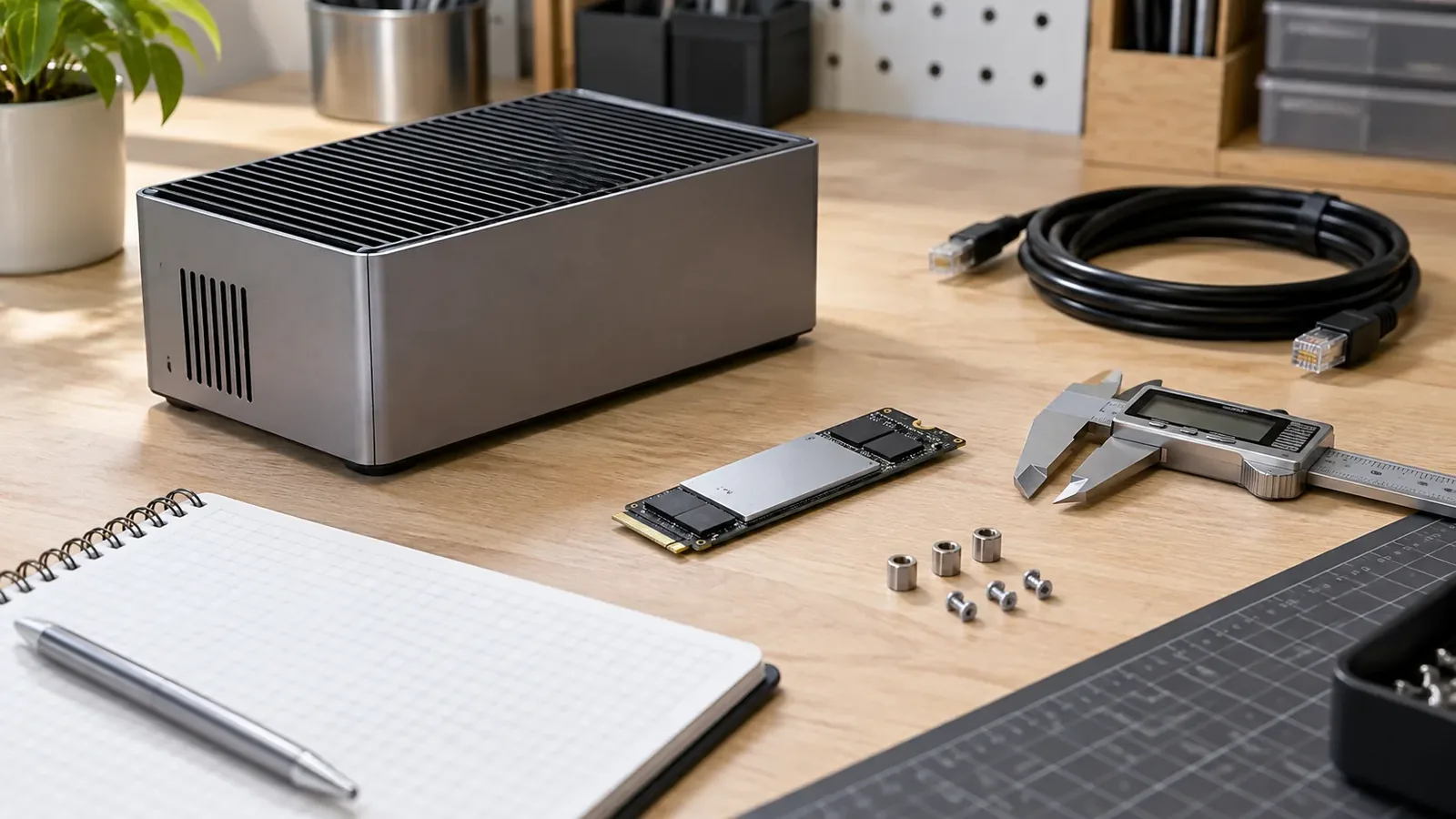
Start with the NAS workload, not the case finish
Before selecting an enclosure, write down what the small server must do: light file sharing, backup target, media library, several services, or a test appliance. That list changes the storage, thermal and service burden. Raspberry Pi 5 provides Gigabit Ethernet, USB 3.0, a PCIe 2.0 x1 interface for fast peripherals, and 5V/5A USB-C PD input, but those board capabilities are not a case-fit promise. Raspberry Pi’s Pi 5 documentation is the right starting point for the board; the assembled stack still needs its own check.
My practical rule is simple: a NAS case should be specified from the most awkward part outward. That part may be an M.2 adapter, a heatsink/fan, a right-angle cable, or the need to remove a drive without disturbing network and power leads. If the buying brief begins with color or material, the parts that decide fit tend to surface too late.

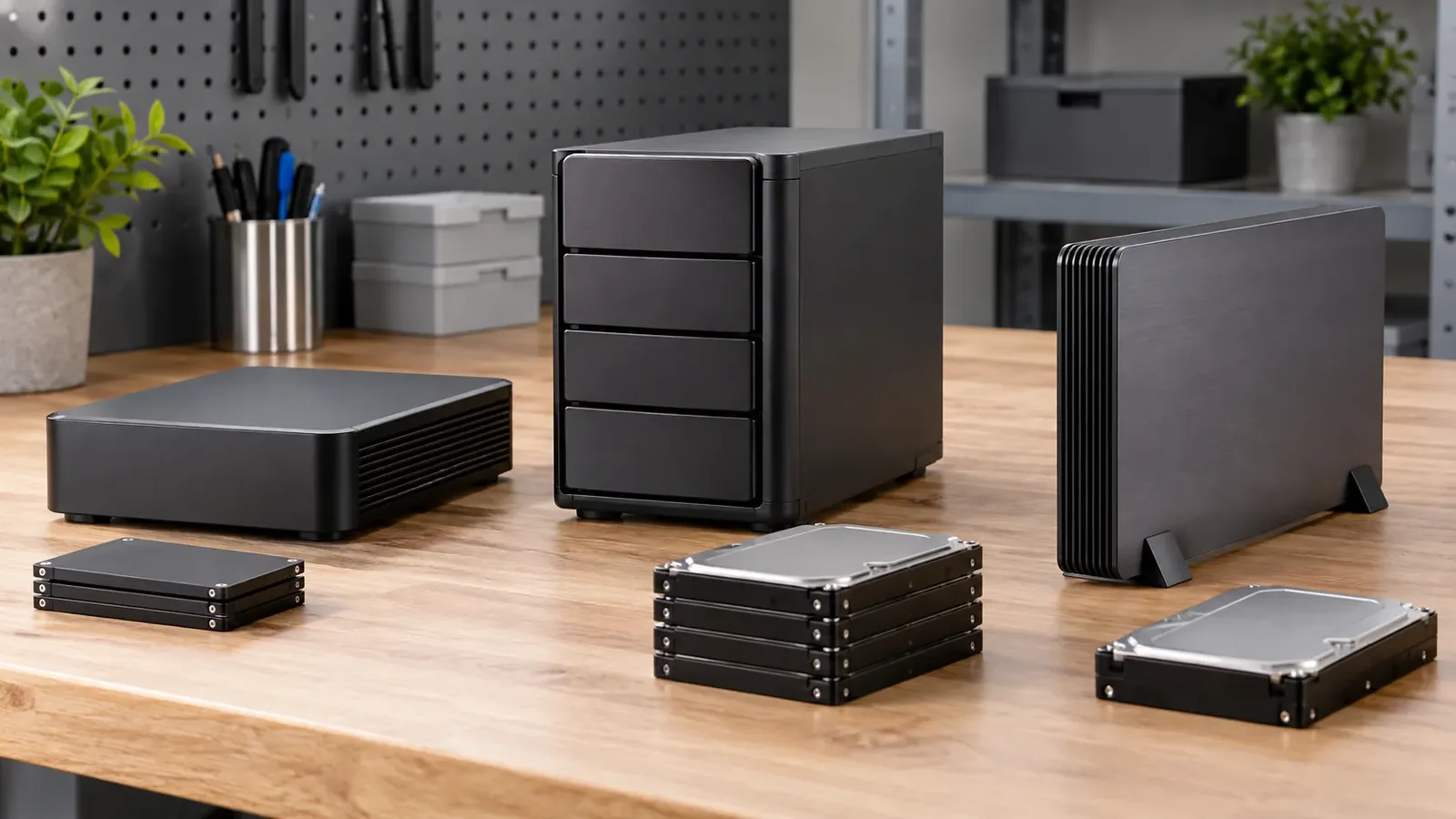
Choose a storage architecture before you compare cases
The label “NAS case” hides several different physical arrangements. For Pi 5, an NVMe drive is not plugged straight into the board: Raspberry Pi documents an M.2 HAT+ or another compatible adapter between the Pi’s PCIe connection and the drive. The official M.2 HAT+ and M.2 HAT+ Compact each expose one M-key connector, but their supported drive lengths and cooler/case interactions differ. The M.2 HAT+ documentation is specific enough to guide a planning table; it is not evidence that a third-party enclosure fits either option.
| Architecture | What the official documentation confirms | Case question to resolve before assembly |
|---|---|---|
| microSD-only boot/storage | Pi 5 includes a microSD card slot | Is the board, cooling and cable access all you need, without an added storage stack? |
| Standard M.2 HAT+ | M-key support for 2230 or 2242 devices; supplied spacers and a 16 mm stacking header | Does the case leave vertical room for the adapter, drive, spacers and chosen cooler? |
| M.2 HAT+ Compact | M-key support for 2230 devices; designed around the official Pi 5 Case fan | Does the selected enclosure preserve the Compact adapter’s required clearance and service access? |
| Other PCIe-to-M.2 adapter | Depends on adapter | Request the exact adapter drawing, SSD length, cable/ribbon route and cooler arrangement. |
Do not buy a “Pi 5 case” as a shortcut for that table. Once you know which architecture you need, browse the Raspberry Pi 5 case range as a starting pool, then send the complete stack for fit confirmation. A specific catalog case is not described here as NVMe-compatible because that relationship is not confirmed in the canonical product inventory.
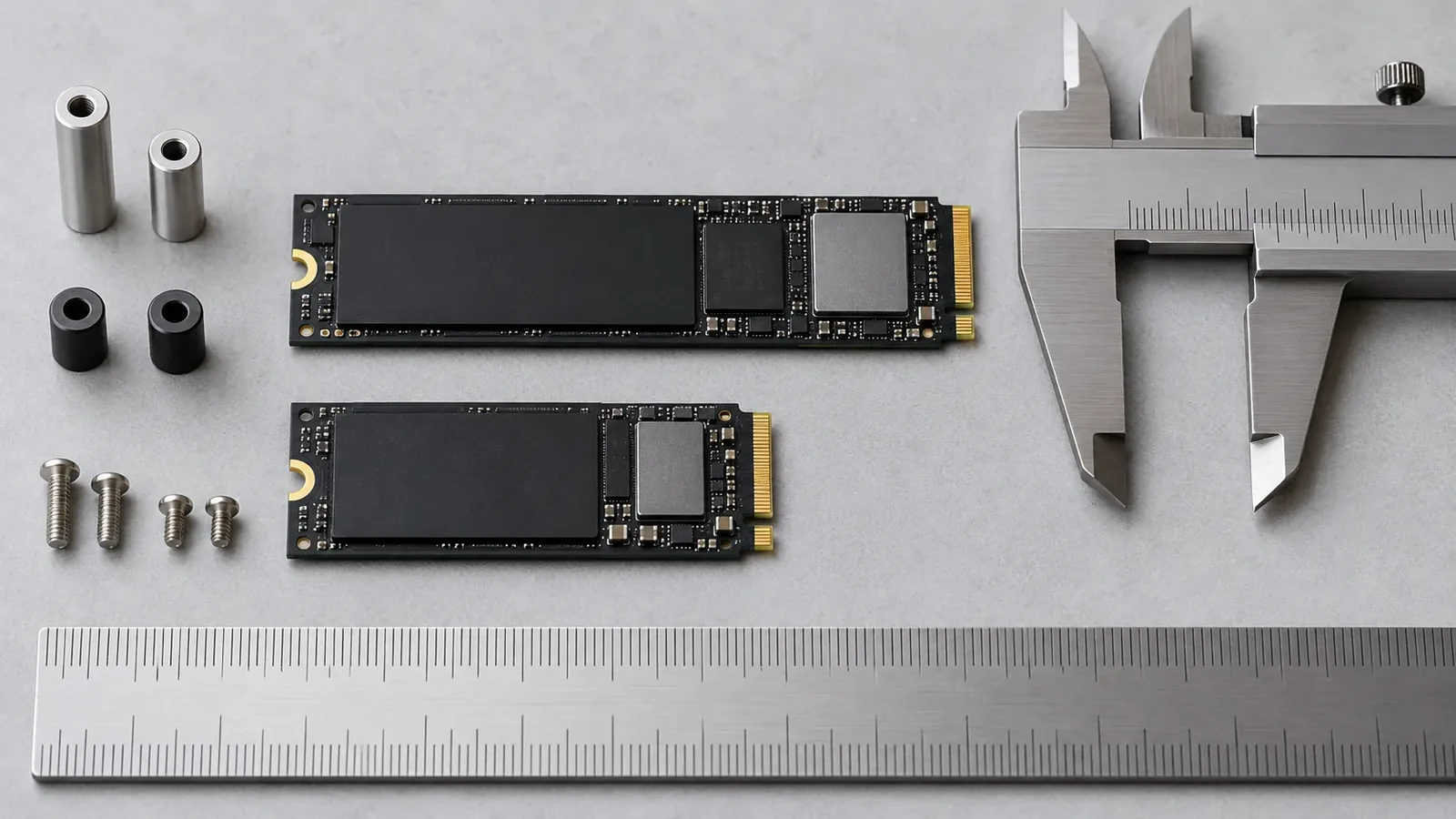
Measure the whole M.2 stack, not just the SSD
An SSD length printed on a product listing is only one line in the mechanical picture. The official M.2 HAT+ supports 2230 and 2242 drives, while the Compact version supports 2230; that difference alone can rule out a compact arrangement. Then add the adapter’s footprint, mounting points, stacking header or spacers, PCIe ribbon bend, any thermal pad, and the lid’s internal shape.
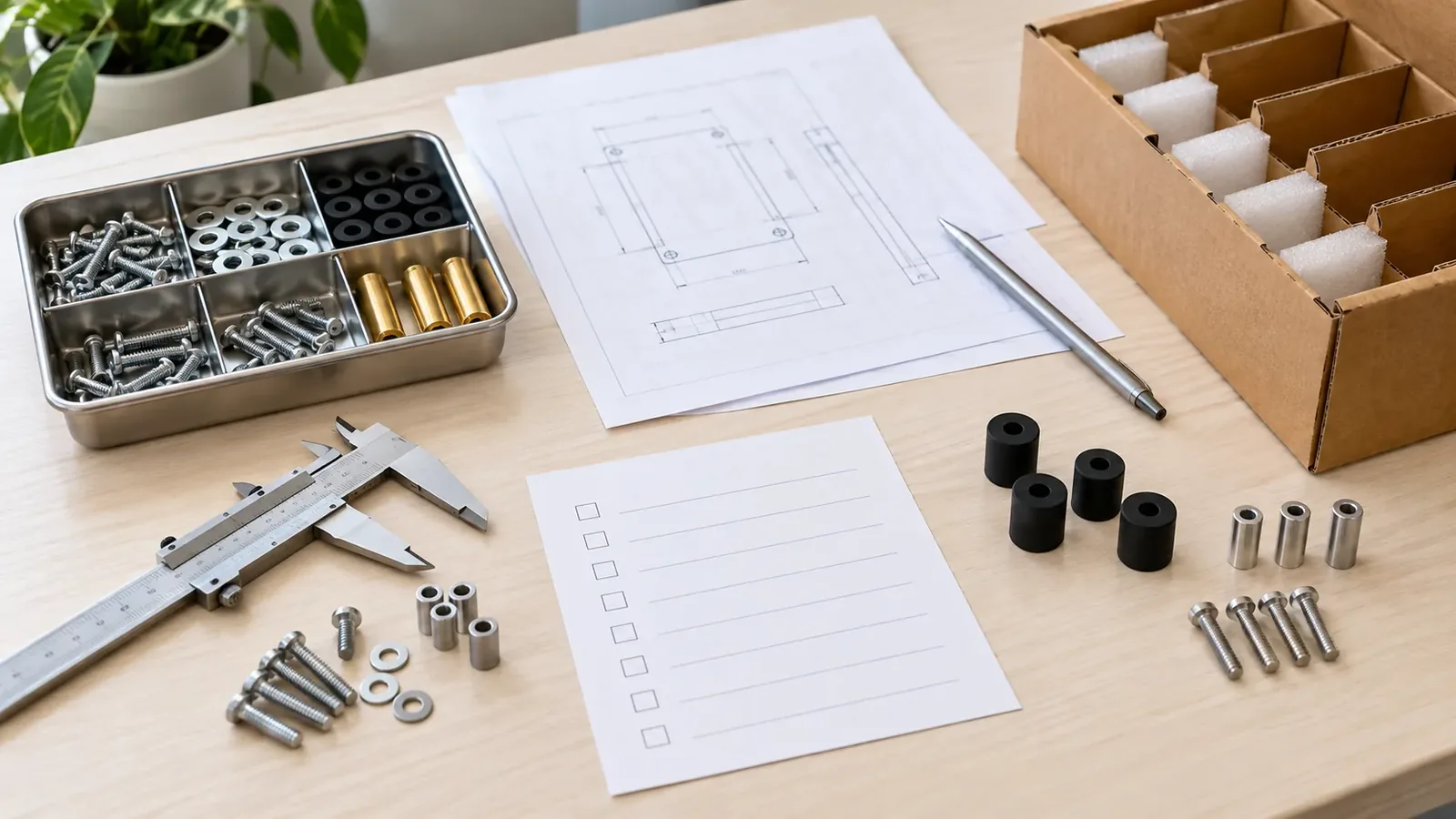
This is the point where I prefer a boring measurement sheet to a hopeful render. Record the drive form factor, adapter part number, height above the board, cable exit direction and the parts that must be removed for service. A millimetre-scale drawing from an adapter supplier is more useful than a generic statement that an enclosure is “storage ready.”
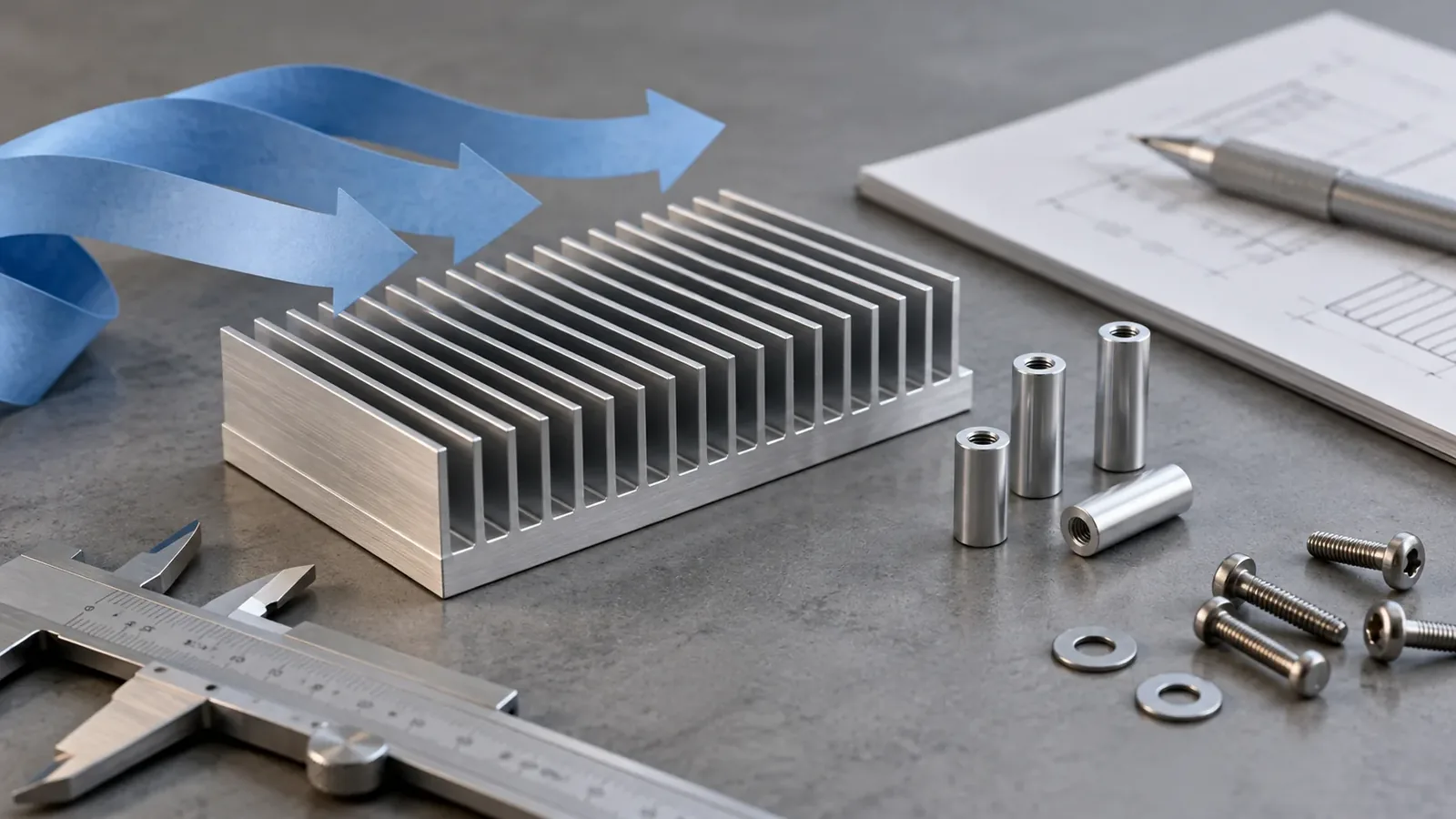
Treat cooling clearance as an assembly constraint
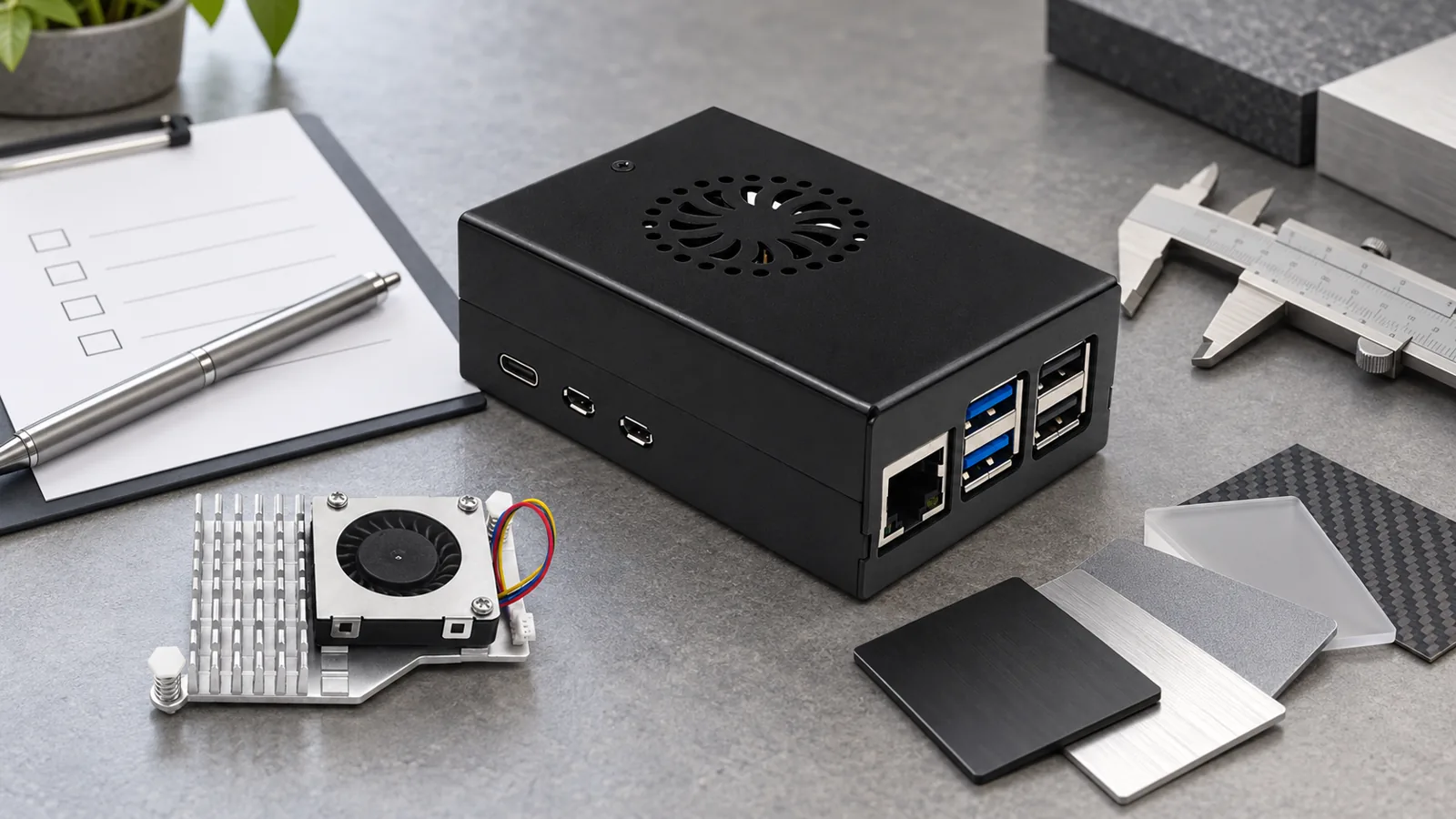
NAS workloads can be sustained, so cooling should be planned with the same care as storage. Raspberry Pi’s Active Cooler is a dedicated Pi 5 clip-on assembly with an aluminium heatsink and blower fan. The official M.2 HAT+ documentation says the standard HAT+ can fit over that cooler, while the Compact version is intended to work around the official Pi 5 Case’s included fan and cannot fit the Active Cooler underneath. Those are useful mechanical boundaries, not a universal case recipe.
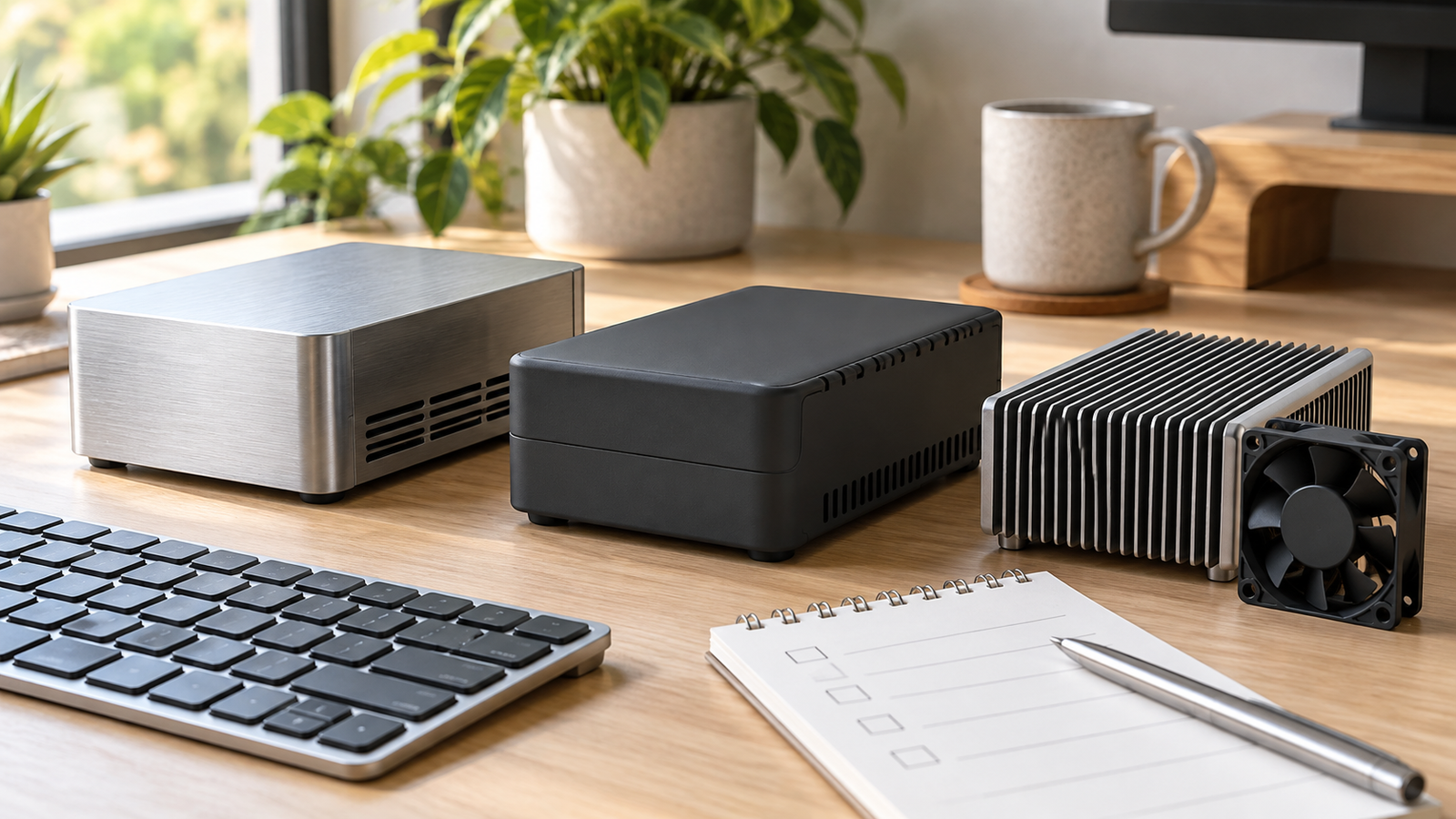
The decision I would challenge is “we can add a fan later.” A fan, heatsink or raised M.2 board changes vertical clearance and airflow paths at once. Confirm the particular cooler and adapter together, then review whether the lid, vents, cable bundle and intended ambient conditions still leave a credible path for air. RaspberryPiBox’s Pi 5 cooling options can help form a shortlist, but exact combined fit remains a manufacturer confirmation step.
Reserve access for power, network, and service
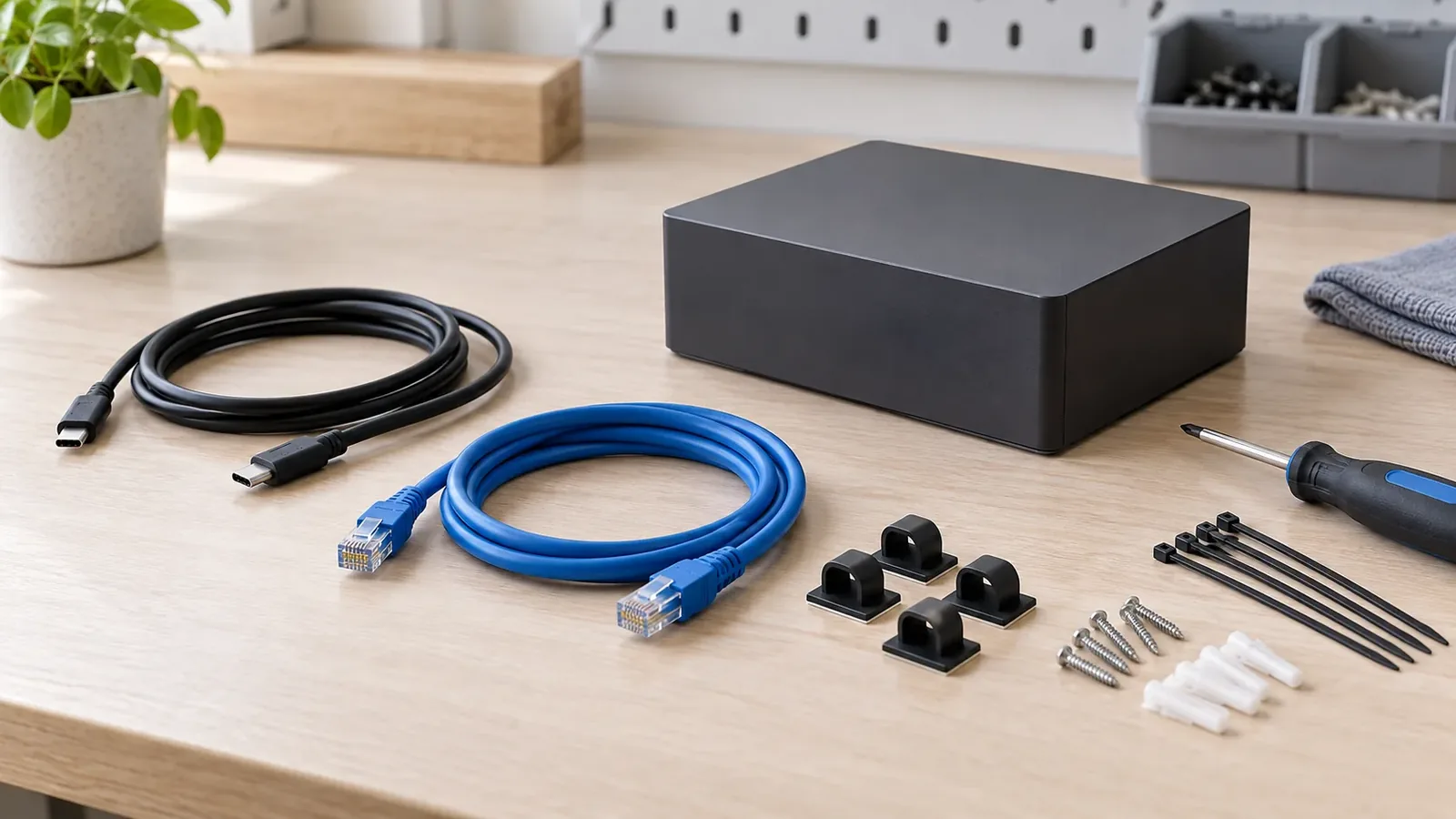
A NAS that can boot but cannot be serviced cleanly is a poor assembly. Map where the power lead, Ethernet lead, any USB peripherals and the storage service path will sit before closing the case. Pi 5’s 5V/5A USB-C PD input is part of the board specification; total power planning still depends on the complete configuration and peripherals. A verified Pi 5 power supply is a sensible product page to review, but it does not remove the need to assess the full load.
For small installations, I usually value a sensible cable exit and a removable service route over the smallest possible footprint. Leave room to release a connector without twisting the enclosure, inspect a storage adapter, and clean or replace a cooling part if the design calls for it. That is especially relevant for a reseller kit: a neat assembly instruction cannot compensate for a case that requires users to dismantle every cable just to inspect the stack.
Send a complete fit brief before you order
The safest quote request is a fit brief, not a one-line request for a Pi 5 NAS case. Include the board model, storage architecture, exact adapter and SSD form factor, cooling part, cable directions, intended installation environment, case material preference, required access points, and quantity. If the build uses a third-party adapter, include its dimension drawing or a clear mechanical photo.
That may sound more formal than a small project deserves. In my view, it is cheaper than discovering a lid collision after stock has been packed or a bundle listing has gone live. A supplier can only confirm the interfaces and clearance you actually describe; silent assumptions are where “fits Pi 5” becomes an expensive phrase.
Frequently asked questions
Can every Raspberry Pi 5 case hold an NVMe SSD?
No. An NVMe build needs a compatible M.2 adapter and enough space for the adapter, drive, mounting hardware, cooling and cables. Check the exact combination; a Pi 5-only claim does not confirm that stack.
Should I choose the standard or Compact M.2 HAT+ first?
Choose from your drive form factor, cooling arrangement and case constraints. The official standard unit supports 2230 and 2242, while Compact supports 2230. Confirm the selected enclosure separately.
What should I send a case supplier for a NAS build?
Send the adapter part number or drawing, SSD form factor, cooler, cable directions, access needs, installation context and required quantity. Ask for fit confirmation for the complete assembly, not the board alone.
Send your Pi 5 NAS fit brief
Send the Pi 5 board, M.2 adapter, SSD size, cooling arrangement, cable directions and quantity. We can help you narrow the case options and identify what still needs a fit check.




Leave A Comment