 Skip to content
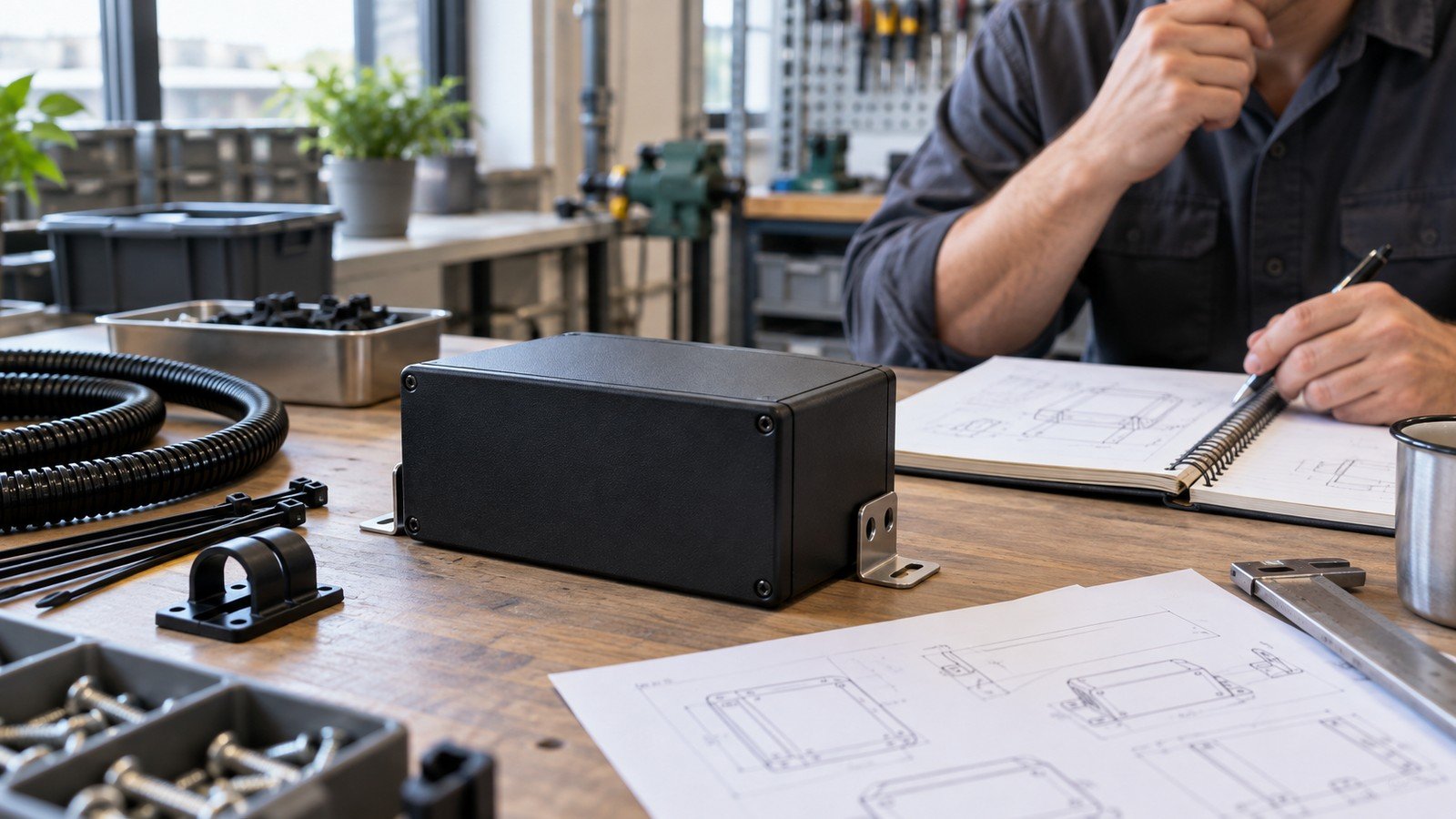
A Raspberry Pi 5 case for industrial use should be selected as part of the installed system, not as a cosmetic enclosure around a board. The buyer has to account for mounting, cables, airflow, power, access, maintenance and the environment the finished assembly will actually face. None of those are guaranteed by a generic “industrial” label.
Raspberry Pi 5 brings useful interfaces for edge and control projects, including Gigabit Ethernet, USB, PCIe and GPIO, but the board specification does not establish the suitability of a third-party enclosure in a specific cabinet, machine, or field installation. That assessment belongs to the complete build.
Define the industrial job before choosing a case
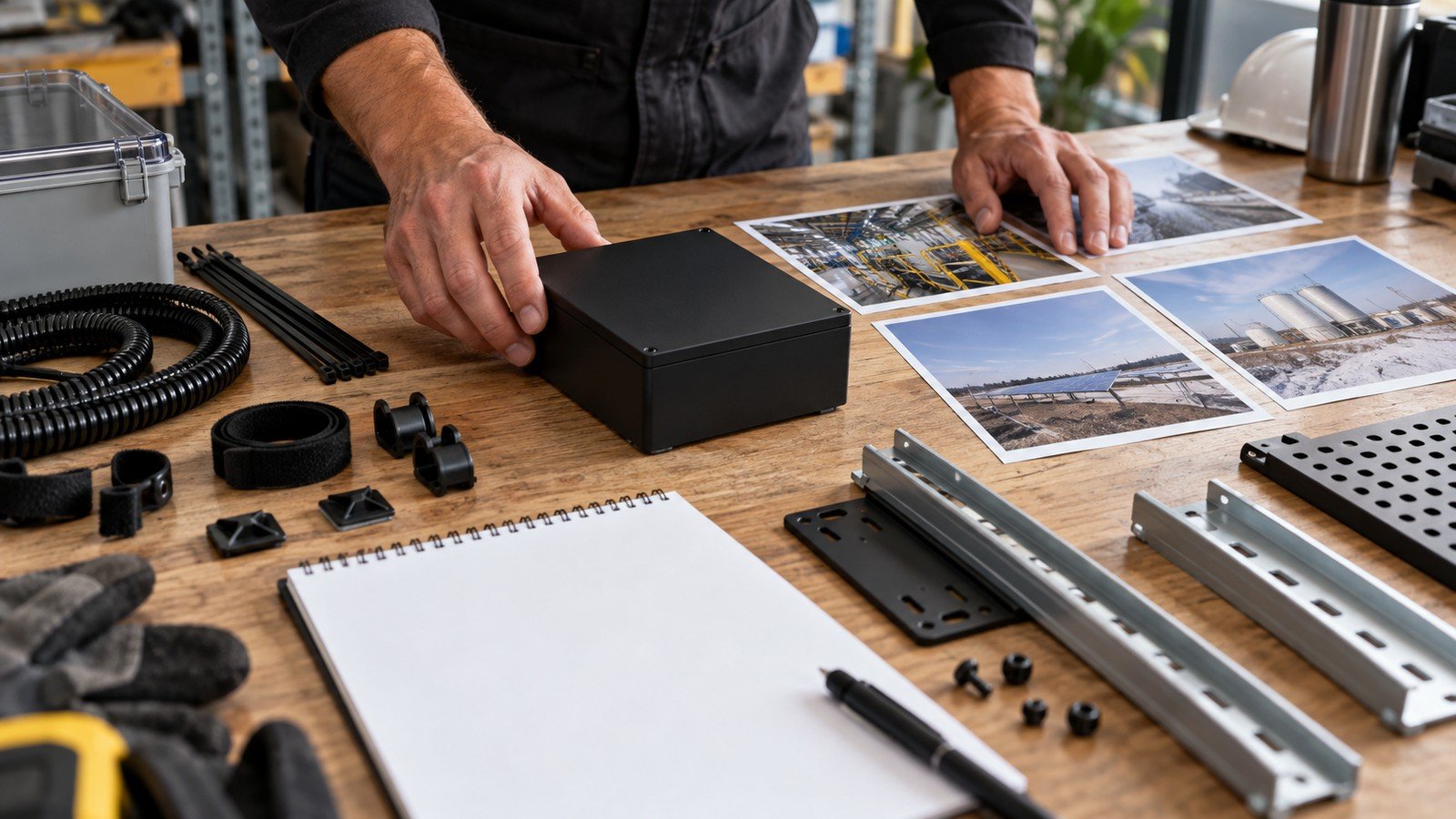
Start with the operating job: a protected controller inside a cabinet, a serviceable edge gateway on a DIN rail, a desktop engineering station, or a small device mounted near equipment. Each has a different priority. A cabinet installation may value wiring access and rail position, while a service point may value a removable lid and visible status access.
A case that looks robust on a desk can still be the wrong choice once wiring, maintenance, and mounting enter the project. Specify the environment, the expected cable count, the mounting direction, who will service it, and whether the assembly needs access to GPIO, display/camera connectors, or expansion boards.
For a broad starting point, review the verified Raspberry Pi 5 cases, then confirm the exact configuration rather than treating category membership as industrial qualification.
Choose the enclosure architecture around mounting and access
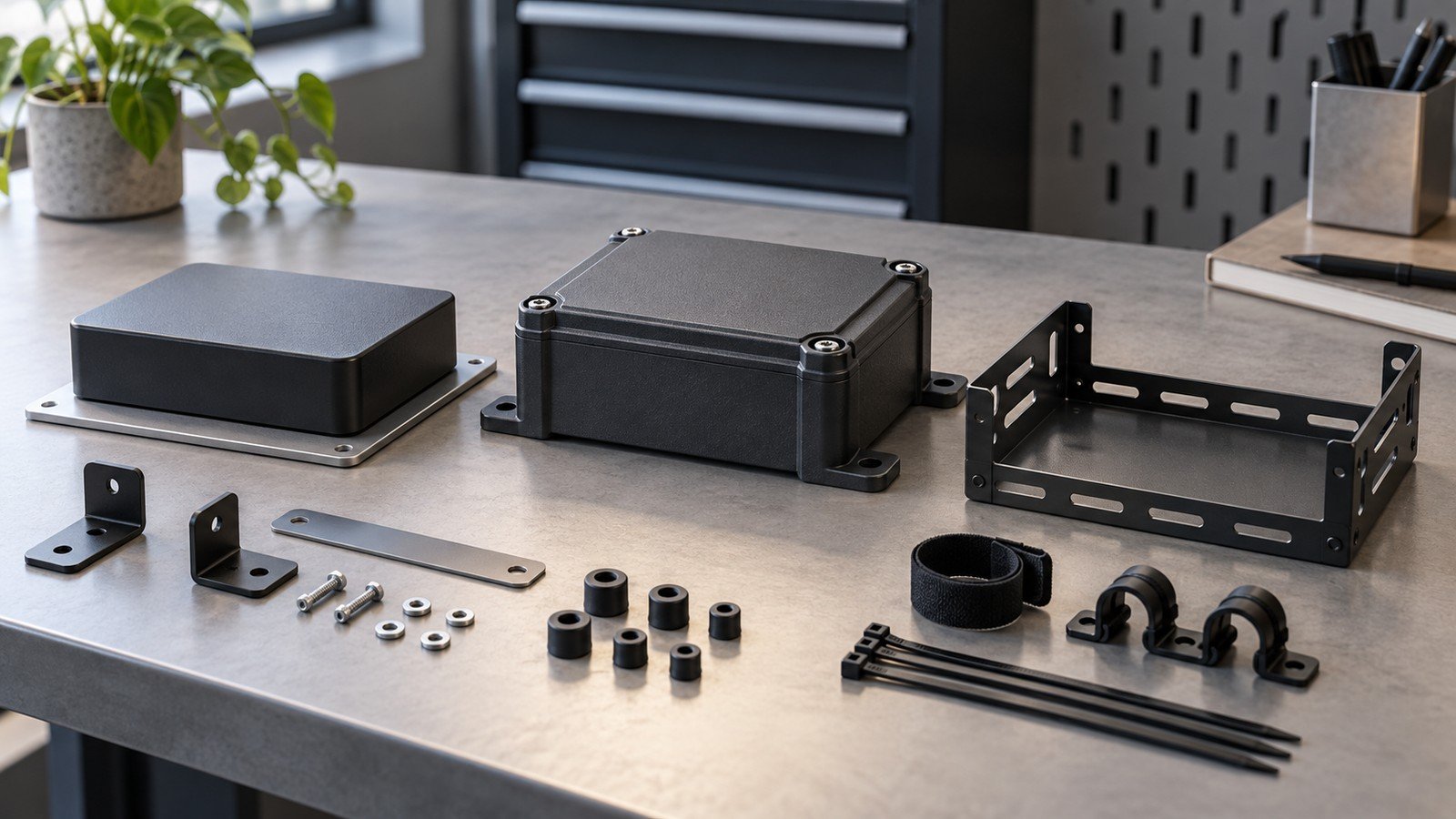
Industrial buyers normally choose among a compact desktop-style shell, a fan-oriented case, a heatsink-led metal form, or a mounting-oriented enclosure architecture. The right choice depends on the installation, not on a universal hierarchy of materials.
| Architecture | Useful when | Buyer must verify | Main limitation |
|---|---|---|---|
| Compact general-purpose case | Protected indoor deployment with modest accessory needs | Cable exits, lid clearance, mounting method and service access | May not leave room for cooling or expansion hardware |
| Fan-oriented case | Sustained work where managed airflow is part of the plan | Fan clearance, power budget, inlet/outlet path and maintenance access | Cooling structure can complicate cleaning and accessory clearance |
| Heatsink-led metal case | When a thermal path and rigid shell are relevant | Actual contact design, antenna/accessory clearance and installation conditions | Do not assume an environmental rating or wireless outcome |
| Mounting-oriented enclosure | Cabinet or machine installation needs drive selection | Rail/panel interface, cable bend radius, service space and assembly orientation | Depends on the exact mounting product and installed accessories |
Mounting and access should decide the enclosure architecture before material preference does. A verified Pi 5 aluminum case or Pi 5 active-cooler ABS case can be a useful product direction, but neither link is a substitute for installed-system confirmation.
Make thermal design an installed-system decision
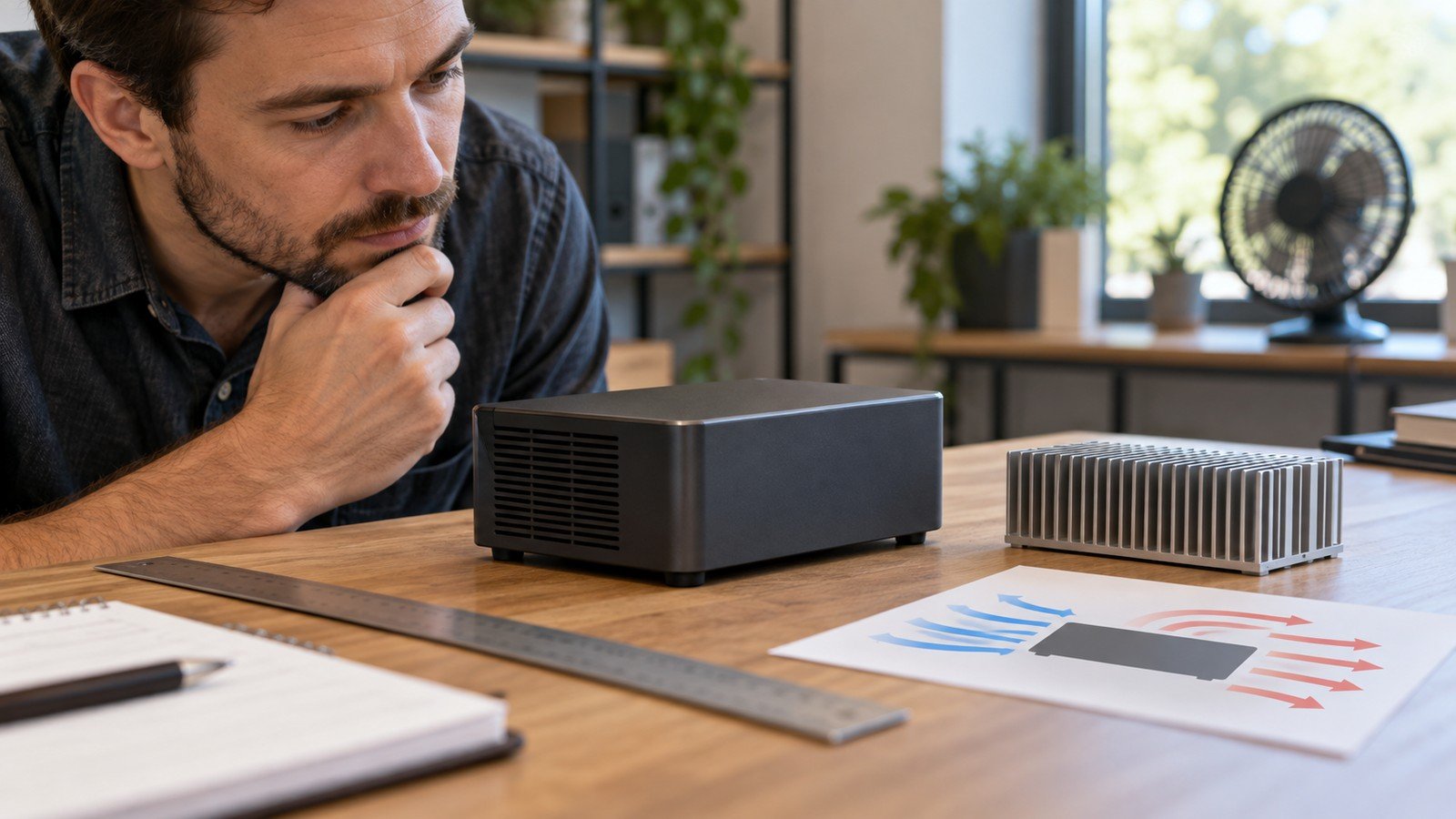
Raspberry Pi notes that active cooling can help reduce thermal throttling and maintain performance under sustained workloads. The practical industrial question is not simply “fan or no fan?” It is whether the installed enclosure leaves a credible thermal path once ambient conditions, nearby equipment, dust-management practice, orientation and service access are considered.
Cooling is a system decision, not an accessory added after the enclosure is chosen. Raspberry Pi’s official documentation describes managed fan options for Pi 5, but it does not turn any unrelated case into a proven thermal solution for your cabinet. For product exploration, use the verified Pi 5 heatsinks and cooling category; request configuration-specific fit confirmation before treating it as a deployment answer.
Check power, peripheral budget, and cable retention together
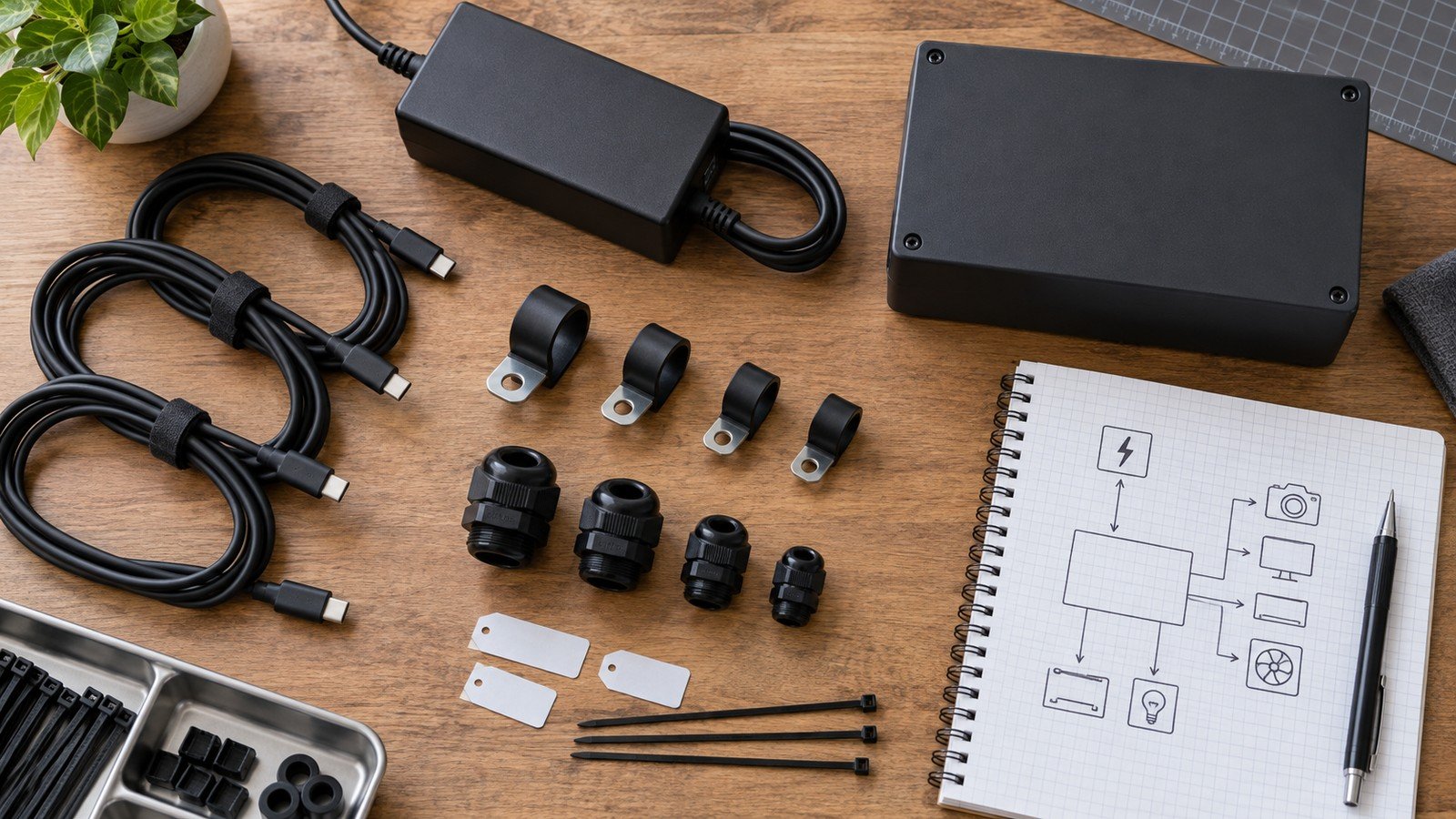
Raspberry Pi recommends a 5V/5A supply for Pi 5; its documentation notes that a 5V/3A supply limits peripherals to 600mA. That is a recommended-power and peripheral-budget distinction, not a claim that every project with a smaller supply will behave identically.
Treat the power lead, downstream peripherals, and cable retention as one installation risk. A secure enclosure cannot compensate for an unsuitable supply, a strained cable, or a connector that cannot be reached after installation. The verified Raspberry Pi 5 power supply is an appropriate product path, while the full load and cable-routing decision remains configuration-specific.
Plan service, mounting, and replacement before ordering
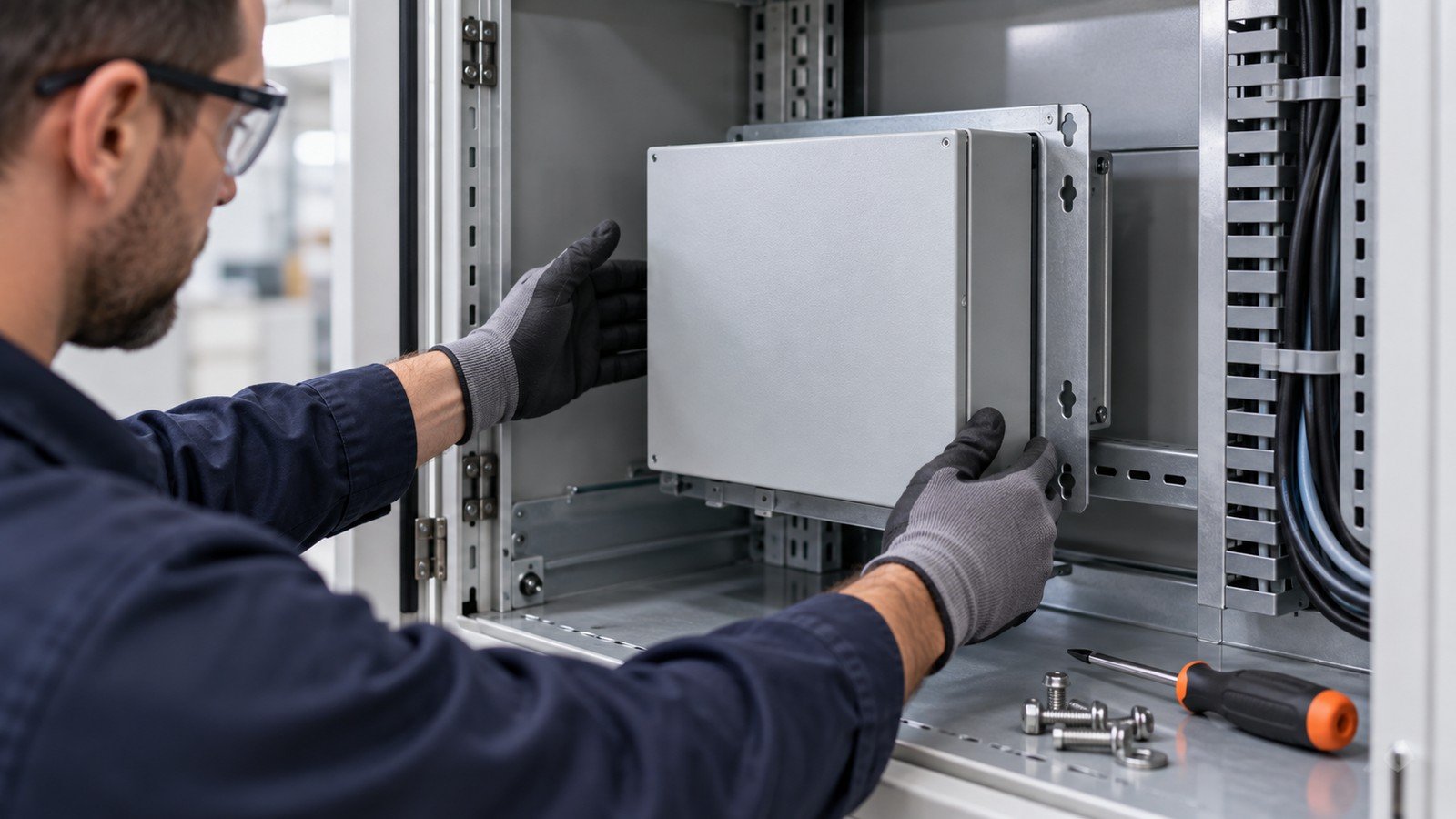
Serviceability is often the hidden cost of a small enclosure. Check whether a technician can reach fasteners, replace a storage device or accessory, inspect a cable, and remove the lid without disconnecting every external lead. Also check the installed direction: a cable exit that works on a bench may conflict with a cabinet door or adjacent device.
A case that requires a full teardown for a routine swap shifts cost into every future service call. Imagine an integrator supporting many similar units: a little more service space can be worth more than the smallest possible footprint. Confirm the mounting interface, fastener access, cable bend space and replacement sequence before the order is released.
Convert the build into a supplier-ready case brief
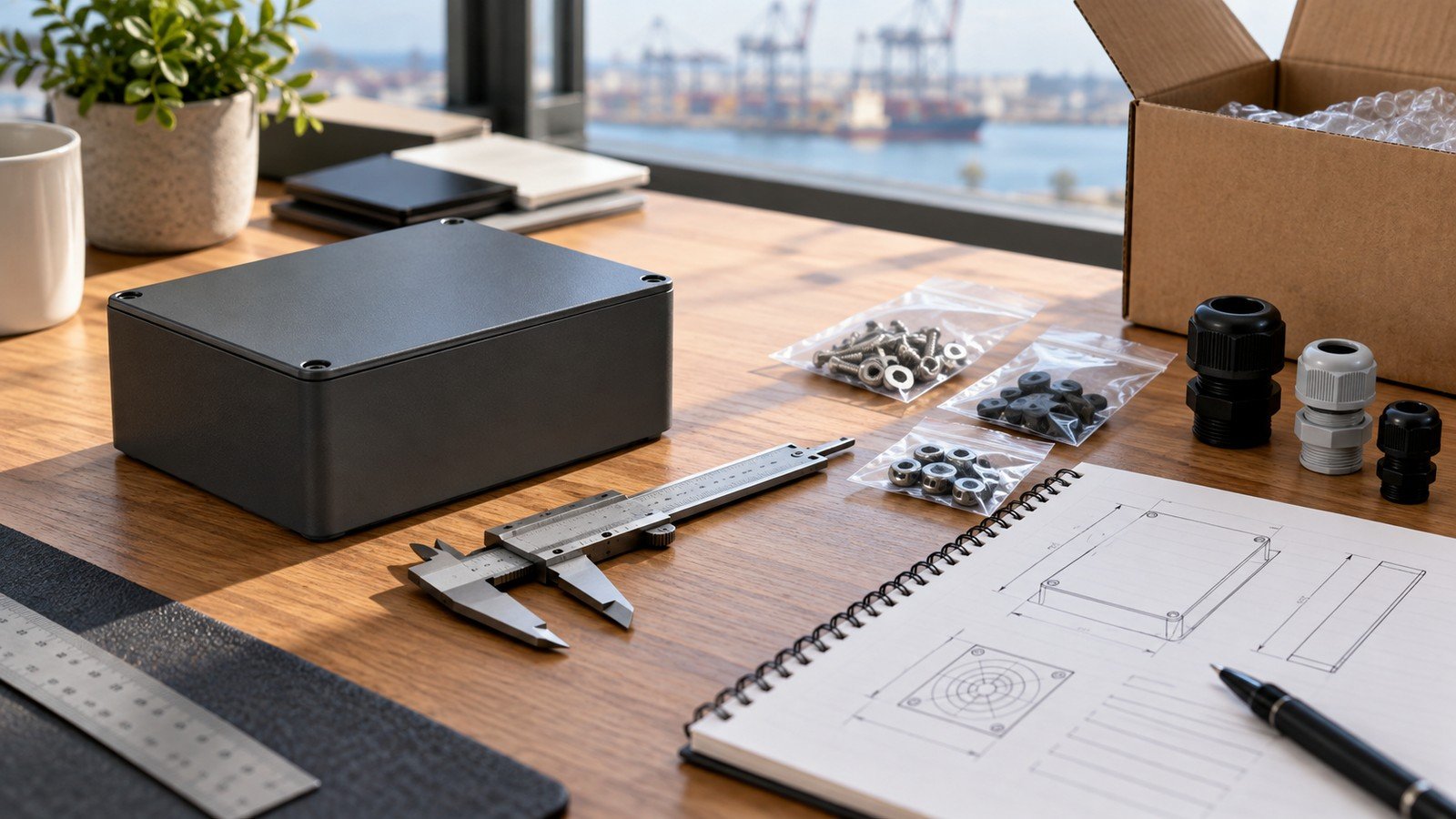
A supplier can confirm a stack only when the brief contains the actual board, accessories, cables, and mounting requirement. Send the Pi 5 board revision, cooling plan, power source, every required cable and connector, mounting direction, requested access points, environment description, service expectation and order type. For light customization, also state any logo, label, packaging, opening or mounting change you need reviewed.
This creates a practical product path: select an enclosure architecture, verify fit, then order against a documented assembly. It is better sourcing than asking whether a case is “industrial” with no installation detail.
Need a Pi 5 industrial case review? Send us the board, cooling plan, power source, cable/access requirements, mounting direction, environment and expected order type.
FAQs
Is an aluminum case automatically suitable for industrial use?
No. Material alone does not confirm protection, thermal, EMC, vibration or environmental performance. Assess the complete installed system.
Does Pi 5 always require active cooling?
Not as a blanket requirement. For sustained workloads, active cooling can help reduce thermal throttling; the right plan depends on workload and installation conditions.
What should I send for a fit confirmation?
Send the board, accessories, cooling plan, power lead, cable routing, mounting direction, required access points and environmental/service requirements.




Leave A Comment