 Skip to content
If you are looking for a Raspberry Pi 5 case for NVMe SSD, do not start with the outer shell. Start with the whole stack: Raspberry Pi 5, the PCIe-to-M.2 adapter, the exact NVMe drive, the cooler, and the cables that still need access. A Pi 5 exposes PCIe 2.0 x1 for fast peripherals, but it needs a separate adapter to turn its PCIe FFC connection into an M-key M.2 connection. Raspberry Pi’s product information is clear on that boundary.
The practical answer is simple: buy a case only after the adapter layout and SSD length are known. A case can look large enough and still fail on board-to-lid clearance, FFC routing, airflow, or service access. I would rather pause an order for one complete dimensioned stack than let a buyer discover that the lid closes only after removing the cooling plan.
First, define which NVMe architecture the case must support
Pi 5 does not have a native M.2 socket. Raspberry Pi documents the PCIe FFC connection and recommends an M.2 HAT+ or M.2 HAT+ Compact as an official route to an M-key NVMe drive. That distinction matters because an “M.2 case” is not enough: the adapter has to be compatible with Pi 5, and the drive has to be NVMe rather than merely an M.2-shaped SSD. Raspberry Pi’s SSD documentation describes the official SSD path as NVMe with a Pi 5-compatible M.2 adapter.
There are two broad physical layouts. A top-mounted adapter creates a taller assembly and competes directly with a lid and cooler. An underside/base-mounted adapter changes the footprint and bottom clearance instead. Neither layout is automatically better. From a sourcing standpoint, I look for a drawing or assembly image that shows the Pi, adapter, SSD, spacers, and FFC as one installed unit—not five individual product photos.
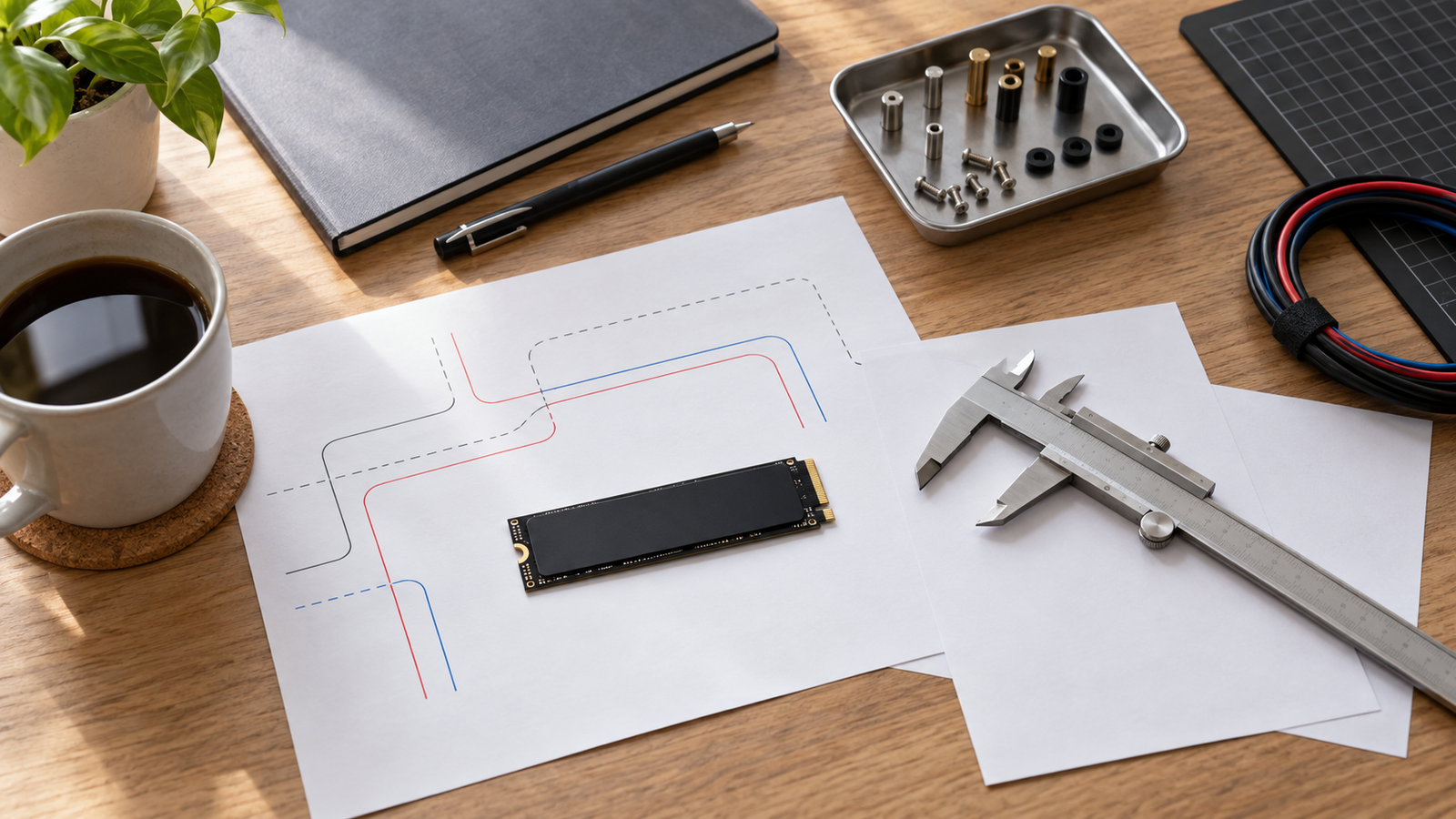
Check the SSD interface and length before comparing case dimensions
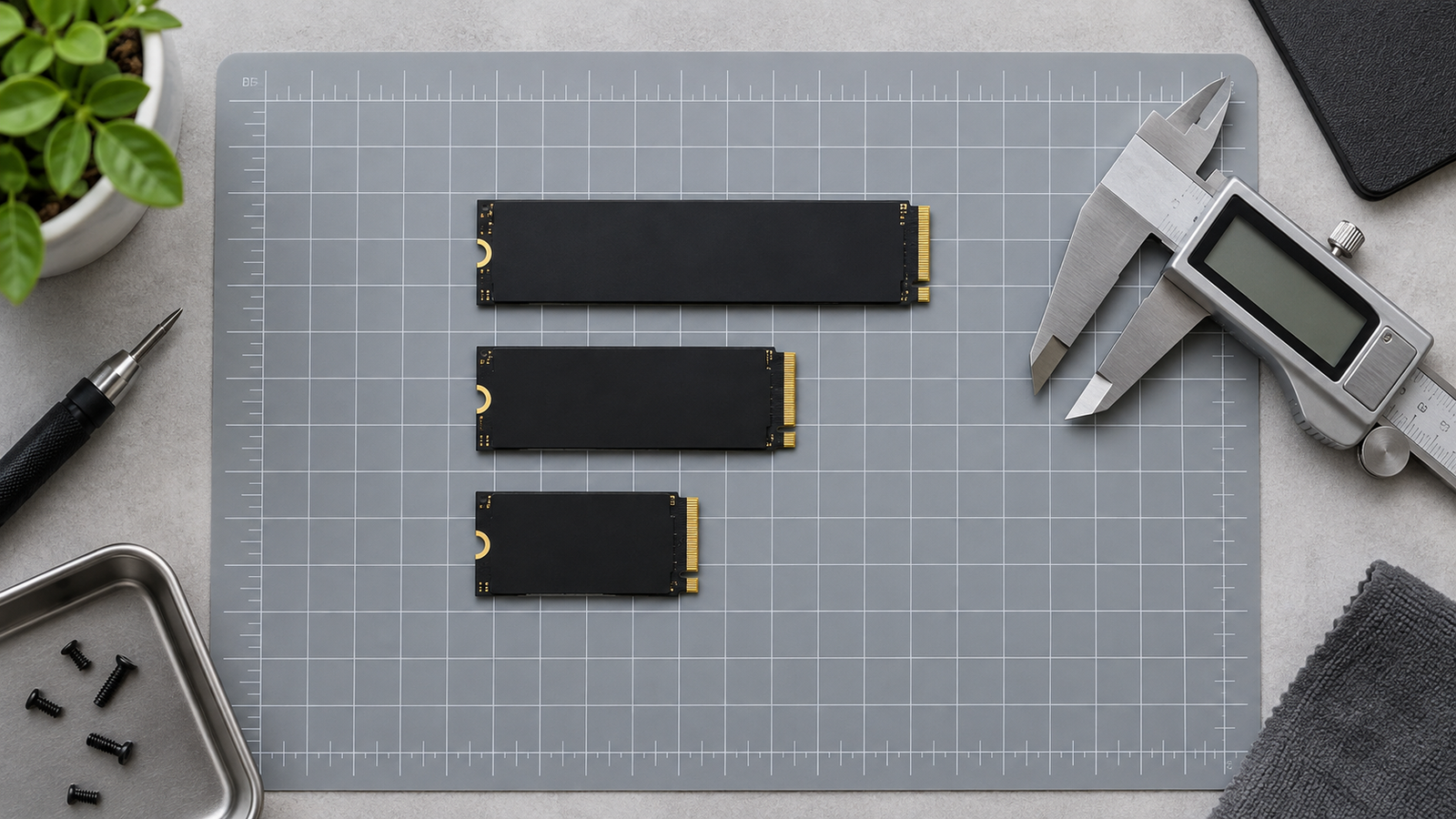
The SSD must match the adapter’s electrical and mechanical specification. The official M.2 HAT+ supports 2230 and 2242 drives, while the M.2 HAT+ Compact supports 2230 drives; those dimensions should never be assumed for another adapter. The same documentation also identifies the M key used by these official boards. A 2280 drive, a SATA M.2 drive, or a drive with a factory heatsink may change the answer before the case is even considered.
This is where a vague product listing creates expensive returns. I ask for the SSD’s exact length, keying, thickness including any label or heatsink, and the adapter’s supported form factors. Imagine a reseller preparing a Pi 5 bundle: separating 2230-only and 2242-capable configurations in the SKU sheet is much safer than promising that every M.2 drive will fit.
| Check | What to confirm | Why it changes the case choice |
|---|---|---|
| Interface | NVMe support and Pi 5-compatible adapter | An M.2-shaped SATA drive is not the same storage path. |
| SSD length | 2230, 2242, or another documented length | Standoff position and enclosure footprint may differ. |
| SSD thickness | Bare drive, label, and any added thermal part | Height can conflict with a lid or base. |
| Adapter orientation | Above, below, or beside the board | Determines which dimension and access points matter. |
Verify clearance for the adapter, ribbon cable, cooler, and lid together
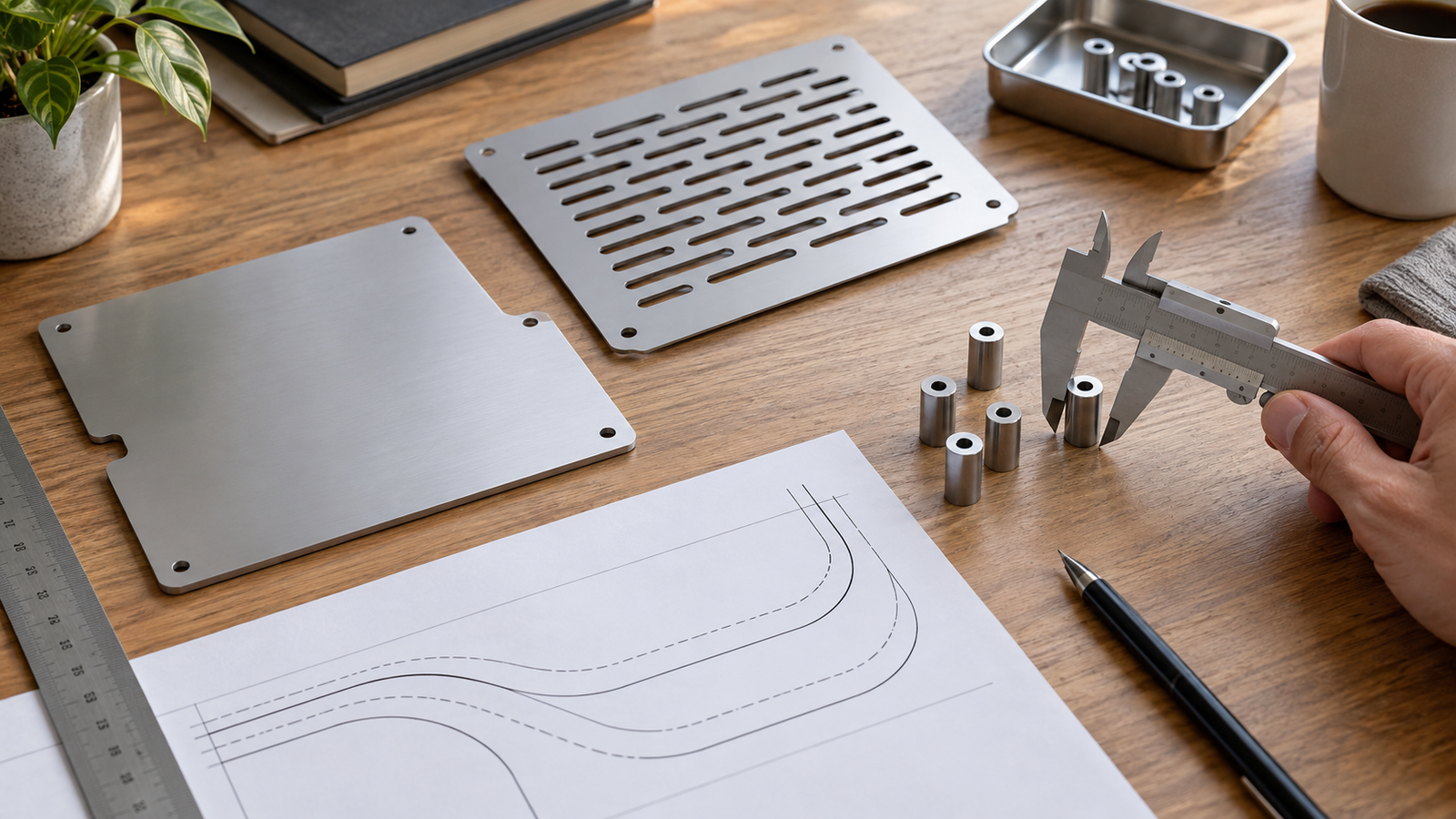
Case fit is an assembly question, not just a length-and-width question. The PCIe FFC needs a documented path with no sharp bend, trapped edge, or conflict with a lid. Spacers, SSD retention hardware, the adapter PCB, and the cooler all use vertical space. If the build needs GPIO, camera/display cable routing, or regular access to the storage assembly, those access paths must be checked in the same configuration.
Raspberry Pi gives a useful official example: the standard M.2 HAT+ has threaded spacers that leave room for the Active Cooler, but it is only compatible with the official Pi 5 Case when that case’s lid and included fan are removed. That is a specific relationship, not a rule for every case, but it shows exactly why “supports NVMe” and “closes with cooling installed” are separate questions. For a broad starting point, browse the verified Raspberry Pi 5 case range, then request fit confirmation for the exact adapter and drive.
My preference is to treat the manufacturer’s assembled side and top views as approval evidence. A dimensioned drawing is even better, but an unconfirmed generic clearance claim is not a substitute for one.
Make cooling and power part of the storage decision
An NVMe case changes the thermal and power picture because the case, cooler, adapter, and drive now share a smaller volume. Raspberry Pi recommends active cooling for best Pi 5 performance, while its product brief specifies 5V/5A USB-C power with Power Delivery support for Pi 5. Those facts do not guarantee that a particular third-party case, SSD, or fan arrangement will be suitable; they tell you what the complete build needs to accommodate.
Do not accept a thermal pad or fan shown in a listing as proof that there is useful airflow around every component. Check where heat is intended to go, whether the SSD has a documented contact point, and whether the lid changes the fan’s intake or exhaust path. I also flag the power supply early: a bundle decision should state the board, adapter, SSD, and cooling combination, then be checked against their current documentation rather than relying on an old Pi 4 power assumption.
For cooling components that are relevant to your case architecture, the verified Pi 5 heatsinks and cooling category is a useful browsing point. If your configuration needs the official Pi 5 power specification, the product map also includes an official 5.1V 5A USB-C Pi 5 power supply; confirm the complete configuration before treating it as a bundle fit.
Check access, mounting, and service before choosing a compact design
The smallest assembled case is not always the easiest one to own. Decide whether you need access to GPIO, the camera/display cable paths, the microSD card, the SSD retention screw, or the FFC connector after installation. Also check how the case will sit on a desk, mount in a cabinet, or travel in a reseller kit. A base-mounted drive can preserve a clear top surface, but it may demand bottom clearance; a top-mounted drive can simplify some base arrangements, but it may take the space a cooler or removable lid needs.
For a project buyer, I would make these service points part of the approval checklist, not a support ticket after deployment. Imagine an integrator who needs to replace an SSD without disturbing wiring inside a small panel: the right answer may be a slightly larger enclosure with a predictable opening sequence.

A buyer checklist for an NVMe-ready Pi 5 case
Before buying, ask the seller or manufacturer to confirm the exact configuration below. “Compatible with Raspberry Pi 5” is only the first line of a useful answer.
- 1. Which Pi 5-compatible PCIe-to-M.2 adapter is the case designed around?
- 2. Does it support the chosen NVMe drive interface, M key, length, and installed thickness?
- 3. Is the SSD mounted above, below, or beside the board, and what total assembly height or footprint is required?
- 4. Does the supplied or planned cooler fit at the same time as the adapter and closed cover?
- 5. Is the FFC routing shown and protected from pinching or an excessively tight bend?
- 6. Which ports, GPIO, camera/display paths, microSD access, and SSD service points remain available after assembly?
- 7. What power supply is documented for the complete build?
- 8. Can the supplier provide an assembled photo or drawing for this exact Pi 5 + adapter + SSD combination?
That last point often saves the most time. We can discuss the case requirement from the full stack rather than guess from a single product title.

Can every Raspberry Pi 5 case hold an NVMe SSD?
No. Pi 5 needs a compatible PCIe-to-M.2 adapter, and the case must fit the resulting adapter, SSD, cable, cooling, and access arrangement. Product-specific fit is not confirmed unless the supplier documents that exact stack.
Does M.2 always mean NVMe for a Pi 5 build?
No. M.2 describes a form factor, while the Pi 5 NVMe route requires a compatible NVMe drive and adapter. Confirm interface and keying from the adapter documentation.
Should I choose the case before the SSD?
Choose the adapter and SSD form factor first, then verify the case against the complete assembly. SSD length, thickness, mounting side, cooling, and service access all affect the case decision.
Need a Pi 5 case quote or a fit review for a defined adapter and SSD stack? Send the board, adapter, SSD length, cooling plan, and access requirements.




Leave A Comment